Your complete setup
Why a USB-C monitor may not work with every port
Trace the documented video path from laptop to monitor before buying another adapter.
Read the guideBudget for the accessories that make work easier.
Trace the documented video path from laptop to monitor before buying another adapter.
Read the guide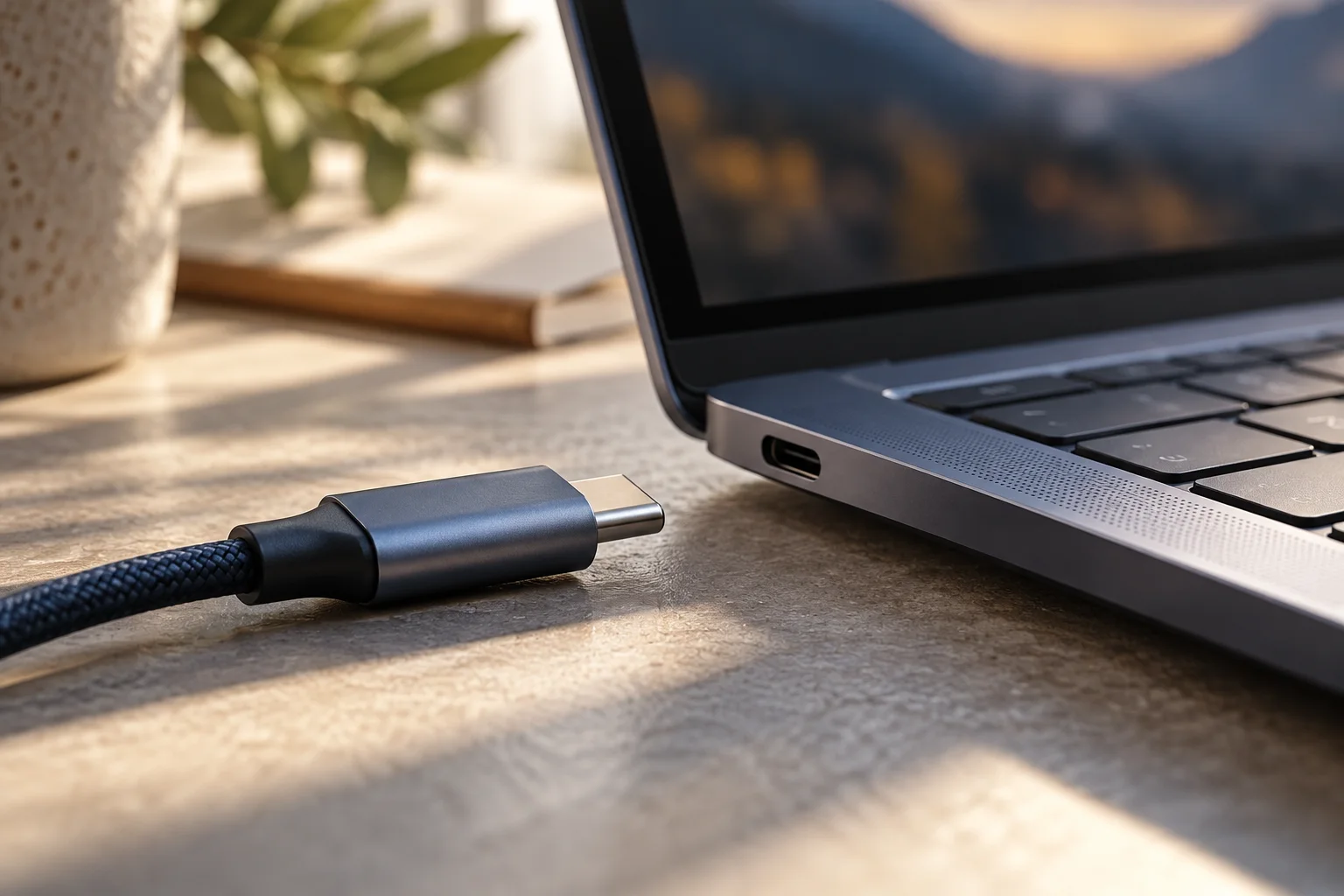
Map data, power and video needs to the documented capabilities of the port, cable and accessory.
Read the guide
Separate backup, restore and system recovery, then verify representative files before retiring the old computer.
Read the guide
Make a practical transition plan that distinguishes a working device from a device still receiving software and security updates.
Read the guide
Understand what automatic cleanup affects, review your choices, and separate reclaimed space from a backup strategy.
Read the guide
Separate M3 closed-lid requirements from M4 and M5 display support, then budget for the complete desk setup.
Read the guide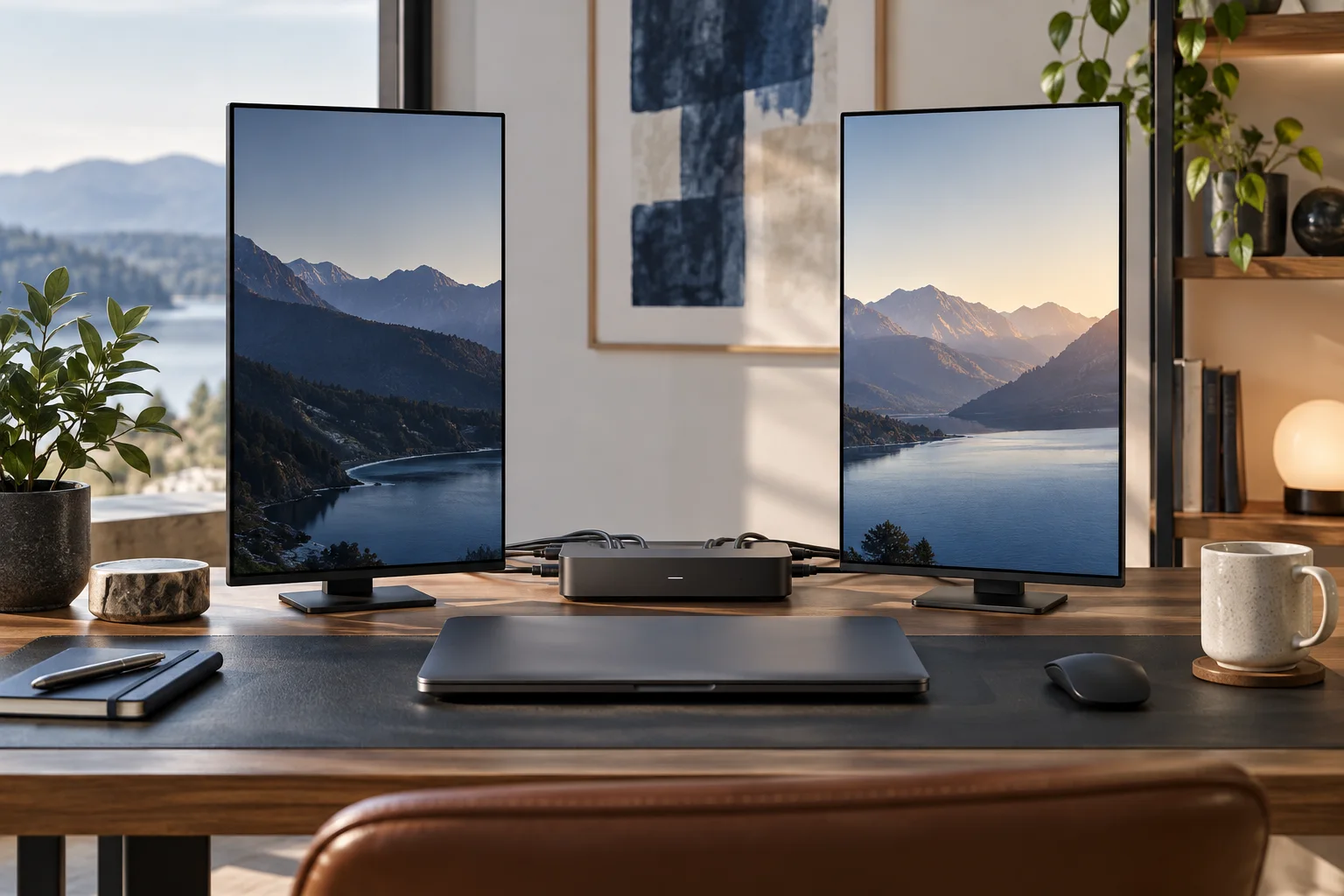
Map the host, displays, power and peripherals before deciding which Thunderbolt 4 dock belongs on your desk.
Read the guide
Key count, key pitch and backlight are published per model and per region. They answer more about daily typing than any adjective in a product description.
Read the guide