USB-C shape does not tell you every port capability
Map data, power and video needs to the documented capabilities of the port, cable and accessory.
Updated:
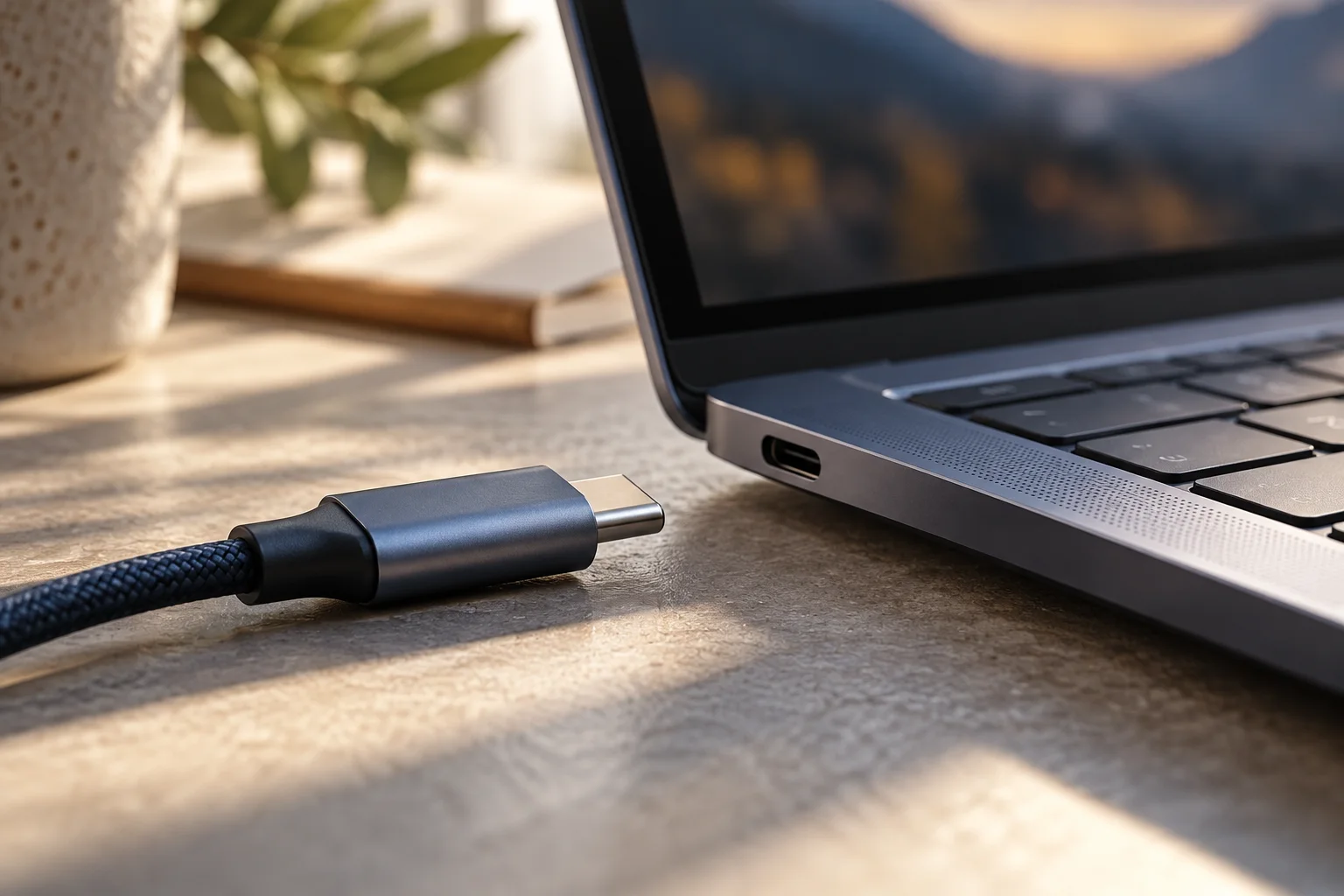
Treat the connector as a starting question
For a US laptop buyer, seeing USB-C should start a specification check rather than end it. USB-IF distinguishes the physical connector terminology from USB4, USB 3.2 and USB Power Delivery. Different capabilities can use the same connector shape. Appearance alone cannot establish the speed, charging or display features that your setup needs.
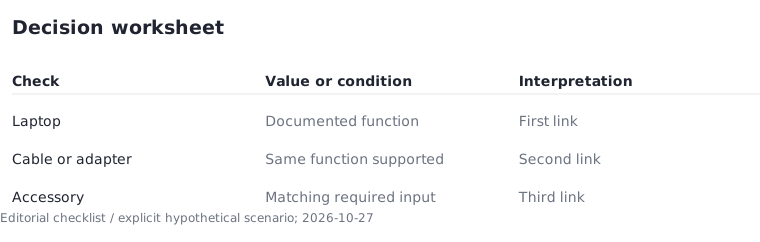
Make three worksheet rows: data, power and video. Give each a practical requirement, such as connecting a drive, charging the computer or running a monitor. Match those needs to documented capabilities. This turns a vague connector count into a description of whether the laptop will fit your actual equipment.
Trace the complete connection path
A usable arrangement involves the laptop port, the cable or adapter and the device at the other end. Record the exact product information for each. If the cable is described only by connector shape, leave its required function unresolved until precise evidence is available.
In a hypothetical three-item path, the laptop and accessory support the intended function but the selected cable does not. Two matching items out of three do not make a suitable arrangement. Show compatibility as a sequence, not an averaged score. An unsuitable link can determine the outcome even when the most expensive components are appropriate.
Separate physical identification from capability evidence
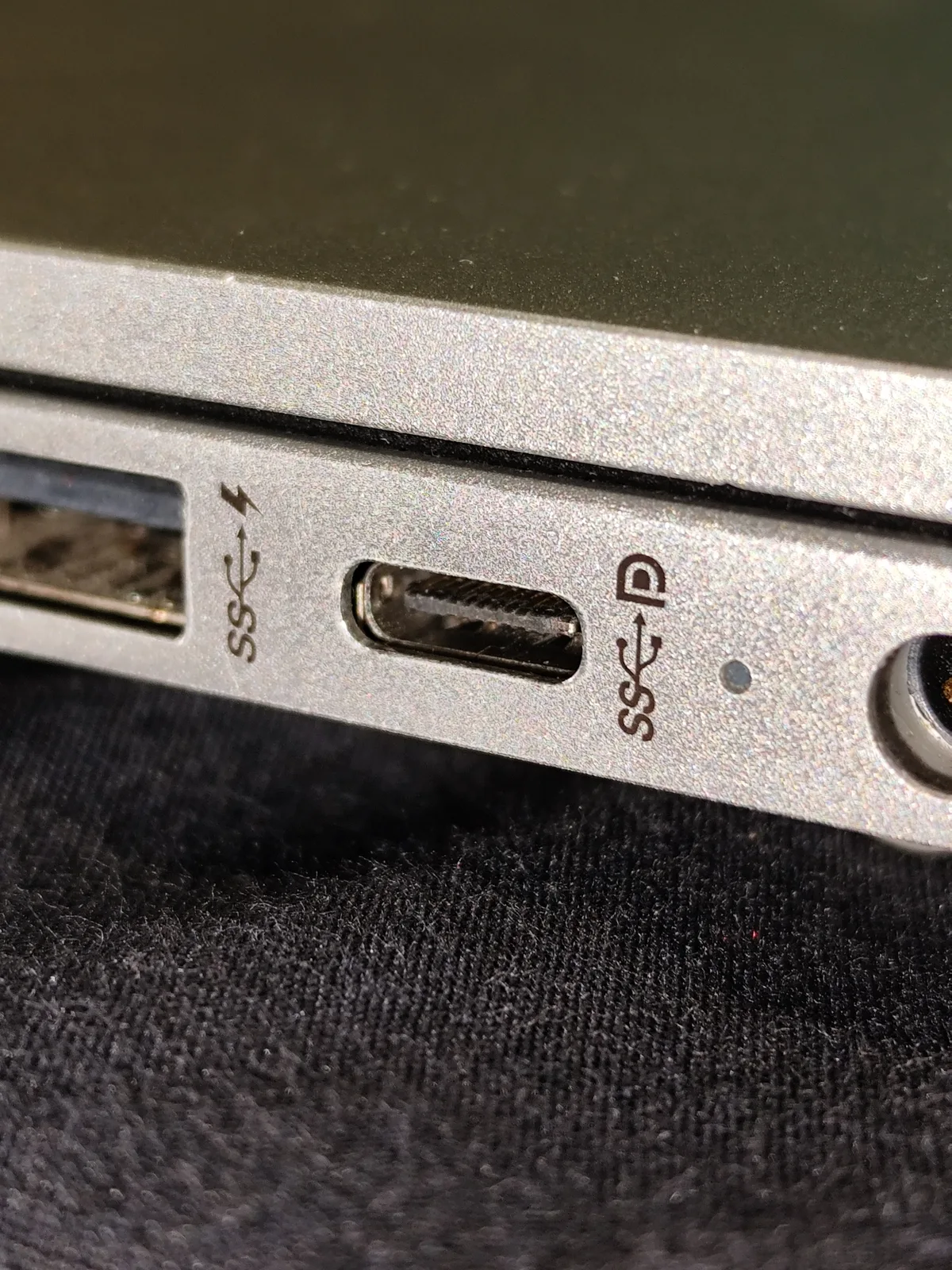
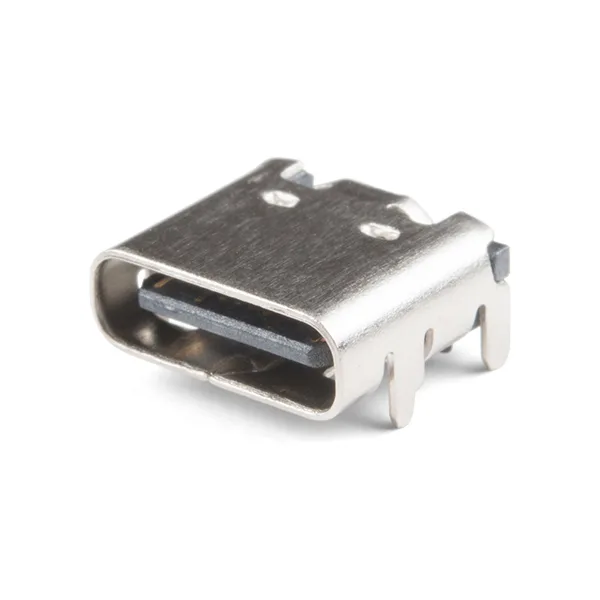
The photograph of a laptop port helps identify the connection being discussed. The separate receptacle photograph shows the socket as a physical component. Neither image alone establishes every feature of a finished laptop. Use the device documentation for capability, including the particular port when similar-looking connections have different functions.
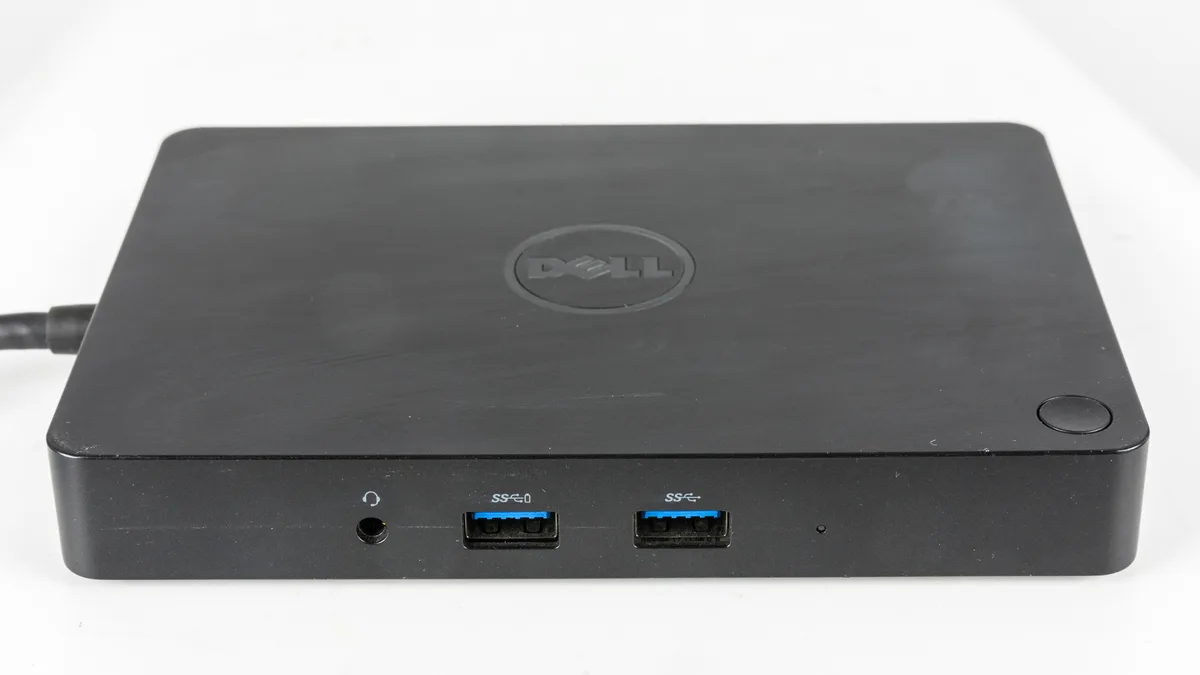
The same principle applies to a dock. Many visible sockets can be useful, but their appearance is not a complete technical specification. The pictured older dock is illustrative rather than a current recommendation. List the equipment you intend to attach and find evidence for those functions instead of assuming that every socket can meet every requirement.
Buy for a named use rather than a maximum number
Decide which capability is essential today and which is a possible future convenience. Paying for extra capability can be reasonable when it has a purpose, but a higher printed number does not prove a better result for an unrelated task. Keep charging and transfer questions separate when reading marketing descriptions.
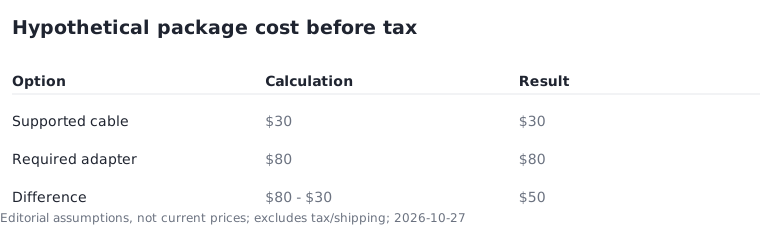
Consider a hypothetical comparison: one supported arrangement needs a $30 cable while another needs an $80 adapter. If the laptop prices are otherwise equal, the accessory difference is $50 before tax. These are example inputs, not market prices. Replace them with real compatible products before deciding which complete package costs less.
Finish with a port map you can use
Write where the charger, monitor and frequently used devices will connect on each finalist. If two needs compete for one connection, include the necessary accessory or choose another arrangement. A small port map is easier to inspect than a long marketing paragraph and can expose an overlooked desk requirement.
A simple use case is the important exception: a buyer who needs only a particular basic accessory may have no reason to pay for advanced features. The useful outcome is the least complicated arrangement that satisfies identified needs with clear evidence. Keep the port specification and cable model with the purchase record so a future replacement does not restart the investigation.