Start with your needs
A laptop buying checklist that starts with your software
Build a practical US laptop shortlist by checking application requirements, memory, peripherals and the complete cost before choosing a model.
Read the guideA considered approach to choosing your next laptop or tablet. Compare the requirements that matter, plan your budget, and build a practical shortlist.
Explore the collectionTurn your everyday tasks into a useful shortlist.

Think beyond the weight printed on the box.
Understand where a flexible device fits.
Match software requirements to the whole system.
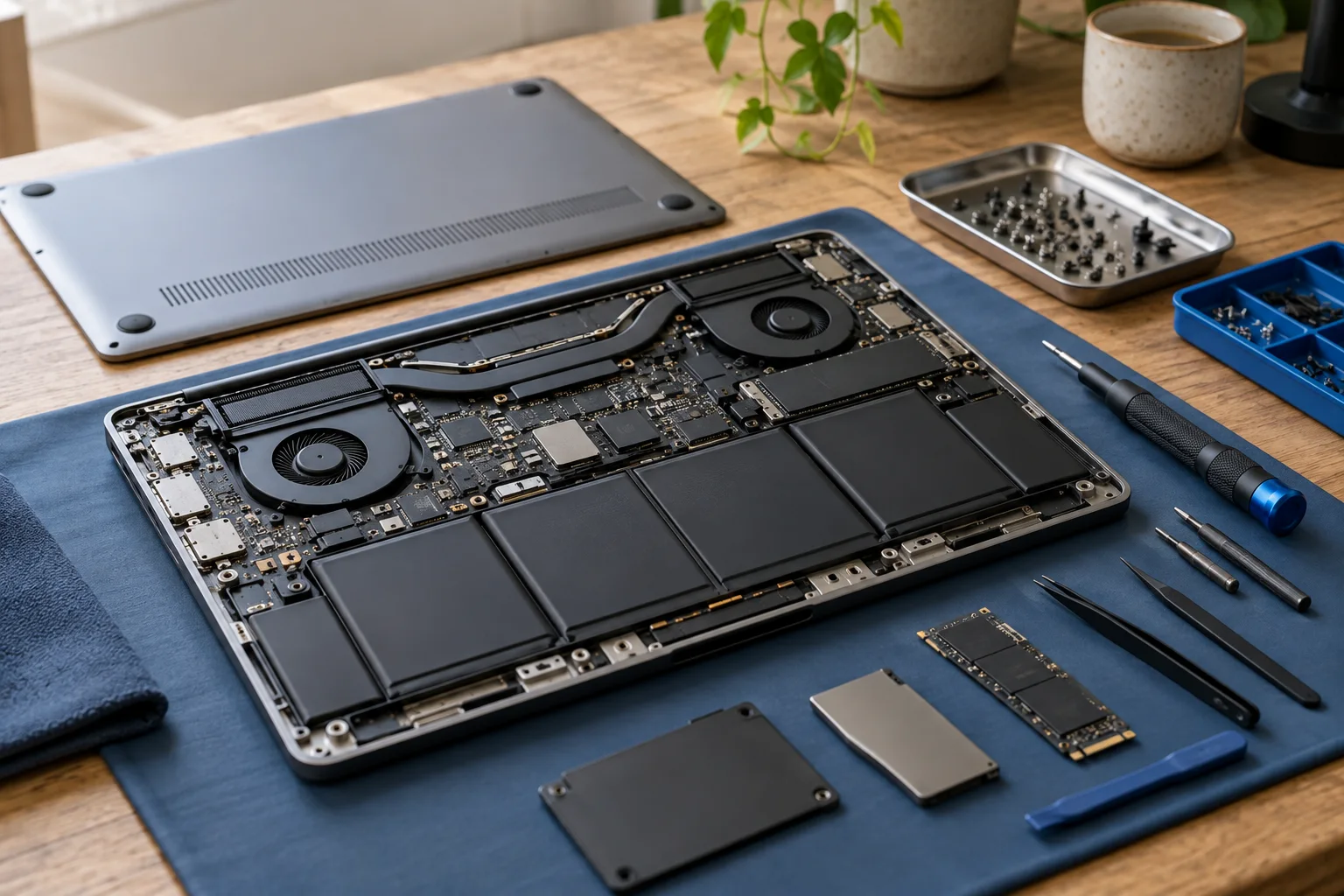
Evaluate refurbished condition and support.

Budget for the accessories that make work easier.
Build a practical US laptop shortlist by checking application requirements, memory, peripherals and the complete cost before choosing a model.
Read the guide
Understand category requirements without treating an AI hardware label as a universal application benchmark.
Read the guide
Interpret Adobe's RAM guidance, separate upgradeability from capacity, and compare the complete cost of a photo-editing laptop.
Read the guideBudget planner · Weighted comparison · Preparation checklist
A 15.6-inch ChromeOS laptop with 4 GB of memory and 64 GB of eMMC storage is the floor for browser-and-documents work, and the Acer Chromebook 315 sits at that point. Configurations and pricing change between model years, so confirm the current listing before you buy. Affiliate link — if you buy through it we may earn a commission at no additional cost to you.