Use Storage Sense without losing track of files
Understand what automatic cleanup affects, review your choices, and separate reclaimed space from a backup strategy.
Updated:

Decide what may be removed before enabling automation
Storage Sense can help free space on a Windows computer, but it is worth reviewing the categories before turning a storage problem into an automatic cleanup rule. Microsoft's documentation says the default behavior addresses temporary material and the Recycle Bin; Downloads and cloud content need additional configuration. The important distinction is between a file you no longer need and a file whose purpose you simply have not checked.
Start with a manual inventory of the folders you use. This guide is for a personal Windows setup in the United States; managed work or school computers may have policies you should not change. It does not instruct you to delete a folder merely because its name sounds temporary.
Give Downloads a deliberate role
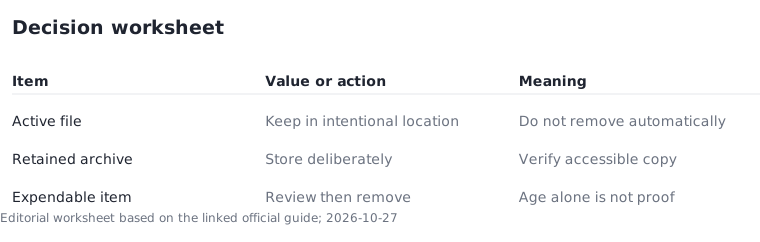
Downloads often becomes a mixture of replaceable installers and the only local copy of a document. Before selecting a cleanup interval, move documents you need into an intentional filing location and verify that the move succeeded. Do not assume that an old last-opened date means a file has no value. A document used only once a year can still be important.
Make a simple rule for yourself: keep an item because it belongs to an active task, archive it because it must be retained, or remove it only after confirming it is expendable. Those are organizational categories, not Windows features. They make the later settings choice understandable instead of relying on a default you have not reviewed.
Distinguish local space from cloud availability
A cloud-connected file and a locally stored file are not interchangeable when you work without a connection. Read the applicable cloud settings before changing what remains available locally. Microsoft's Storage Sense instructions describe configuration choices for cloud content; this guide does not assume every provider handles those choices identically.
Try a representative document in the condition you actually care about, such as a planned offline session. Confirm that the file opens before treating the setup as ready for travel. Keep a separate backup plan for important material. A status icon or a reclaimed-space total is not proof that an independent, recoverable copy exists.
Measure the outcome with a labeled example
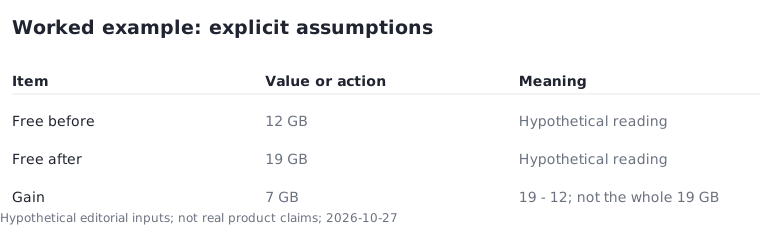
Suppose your own before-and-after measurements show 12 GB free before a cleanup and 19 GB afterward. The measured gain is 19 − 12 = 7 GB. These numbers are hypothetical, not a prediction of what Storage Sense will recover. A different result may reflect different files, settings, or activity between the two measurements.
Record the time of both readings and avoid downloading a large file between them if you want a meaningful comparison. Do not describe the entire 19 GB as space the cleanup created. Twelve gigabytes were already free. This distinction makes your notes useful when deciding whether a small maintenance step solved the underlying storage problem.
Review the system drive and keep an exit route
Microsoft states that Storage Sense works on the system drive. Use the storage view for other drives when that is where the pressure exists. Enabling a system-drive cleanup rule should not be described as a solution for an unrelated full external drive.
Finish by recording the settings you chose and a reminder to review whether they suit your habits. If you are unsure about a file category, leave its automatic removal disabled while you inspect it manually. The goal is a predictable maintenance routine with important files still accessible, not the largest possible deletion total. Use the linked Microsoft instructions for the current control names and return to your inventory whenever your workflow changes.
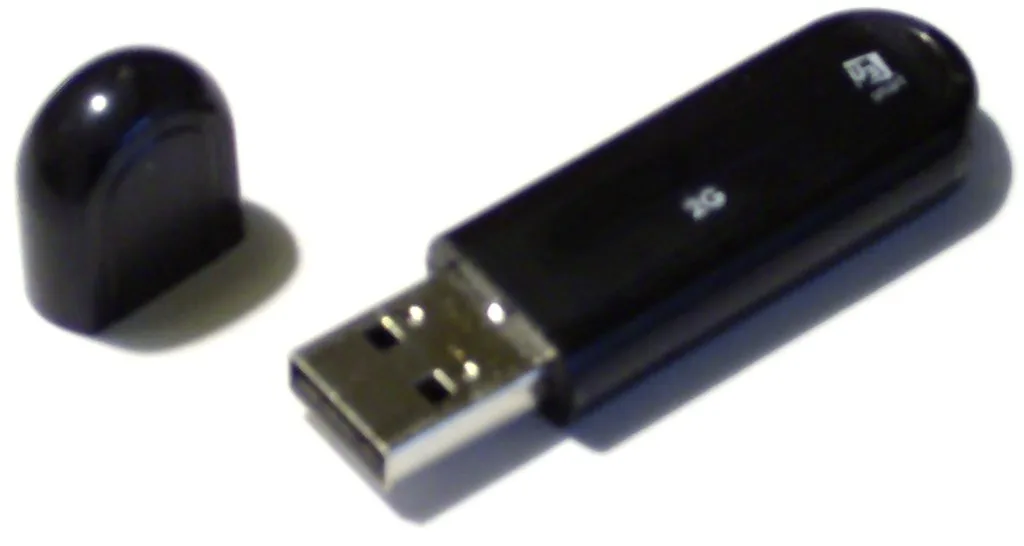
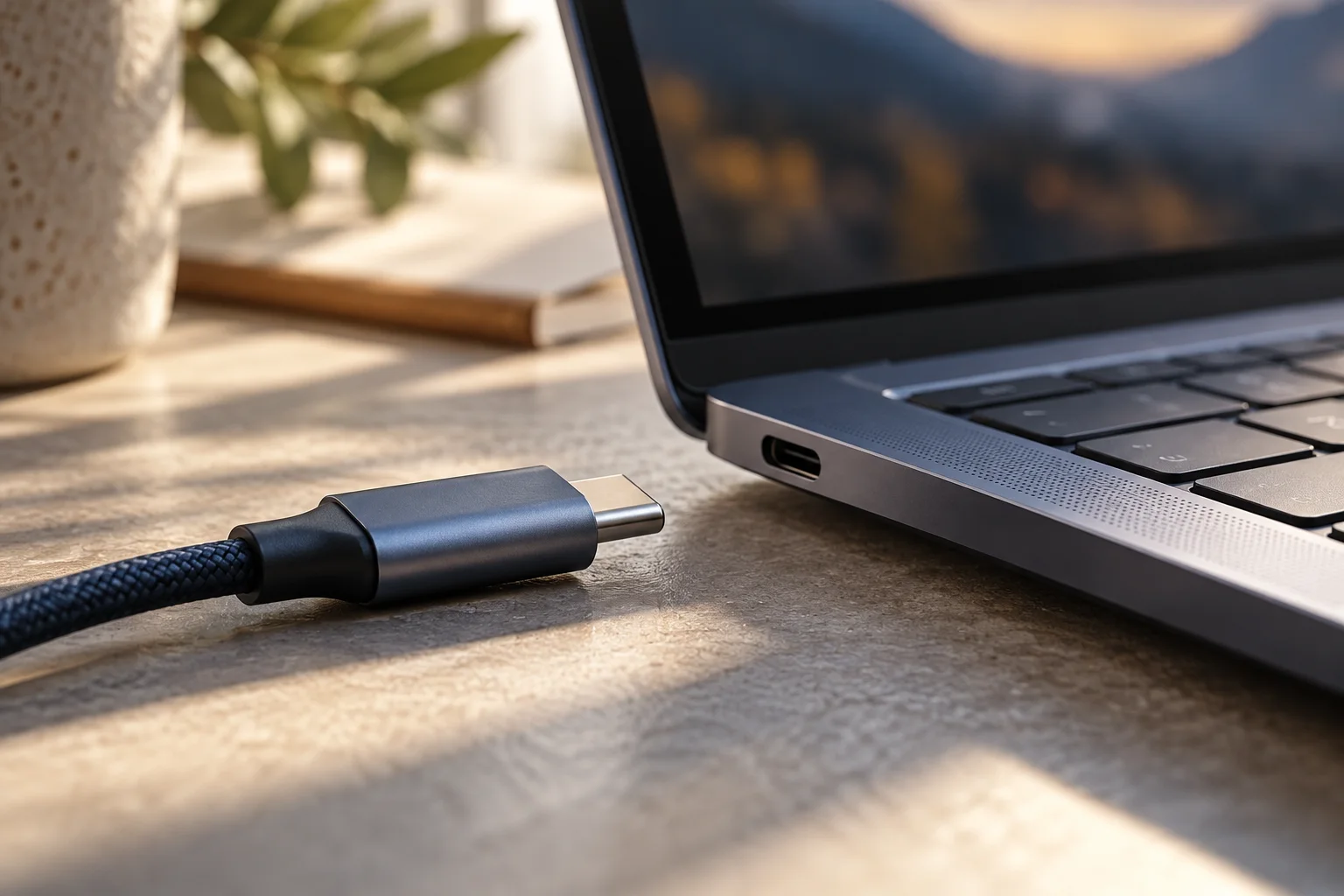
The hardware photographs separate three easily confused resources: an internal storage device, removable external storage and a memory module. Cleanup changes stored data and available drive space; it does not add physical RAM or enlarge the drive. These examples identify resource types, not instructions to open or replace laptop components.
Use 3 steps for a controlled cleanup: inventory the files, select only understood cleanup categories, then compare free space and confirm that required files remain accessible. Automatic deletion is optional while a category remains unresolved.