What the Copilot+ PC label tells a buyer
Understand category requirements without treating an AI hardware label as a universal application benchmark.
Updated:
Read the label as a defined category
For a US laptop shopper, Copilot+ PC identifies a Windows computer category with specified hardware requirements. Microsoft's checked page includes an eligible processor with an NPU capable of 40+ TOPS, 16 GB of specified memory and 256 GB SSD or UFS storage. These thresholds define the category; they are not a universal application speed ranking.
Two qualifying computers can still differ in the features that matter to your day. Start with the work you intend to do, then determine whether a particular category-related feature helps. A label that sounds advanced is not enough to establish why it deserves a place in your purchase priorities.
Give the desired feature its own evidence row
Write the actual feature you plan to use, its current availability and its conditions. Microsoft notes that particular features, apps and hardware can have additional requirements. Connect the named feature with an official support statement rather than stopping at the category name.
Use three questions: what task improves, what conditions apply and what happens if the feature is unavailable. If the first answer is unclear, you may be comparing a label rather than a benefit. If the feature is optional, it should not outrank an essential compatibility requirement. Keep the decision understandable without relying on marketing language.
Check the configuration, not just the family name
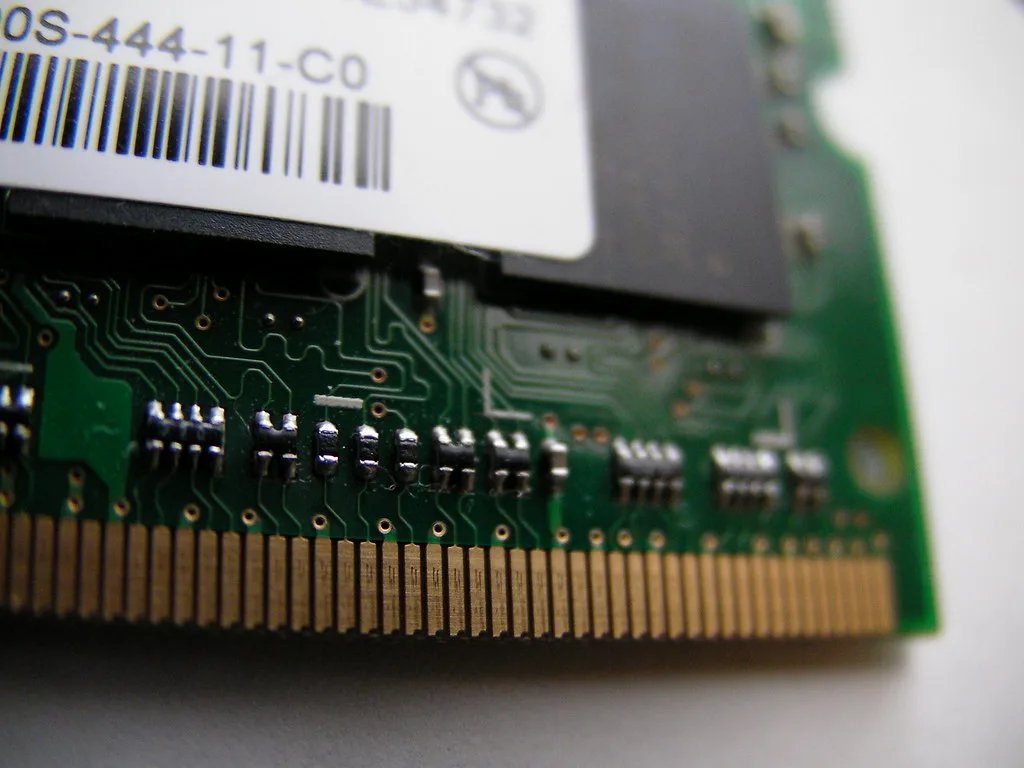
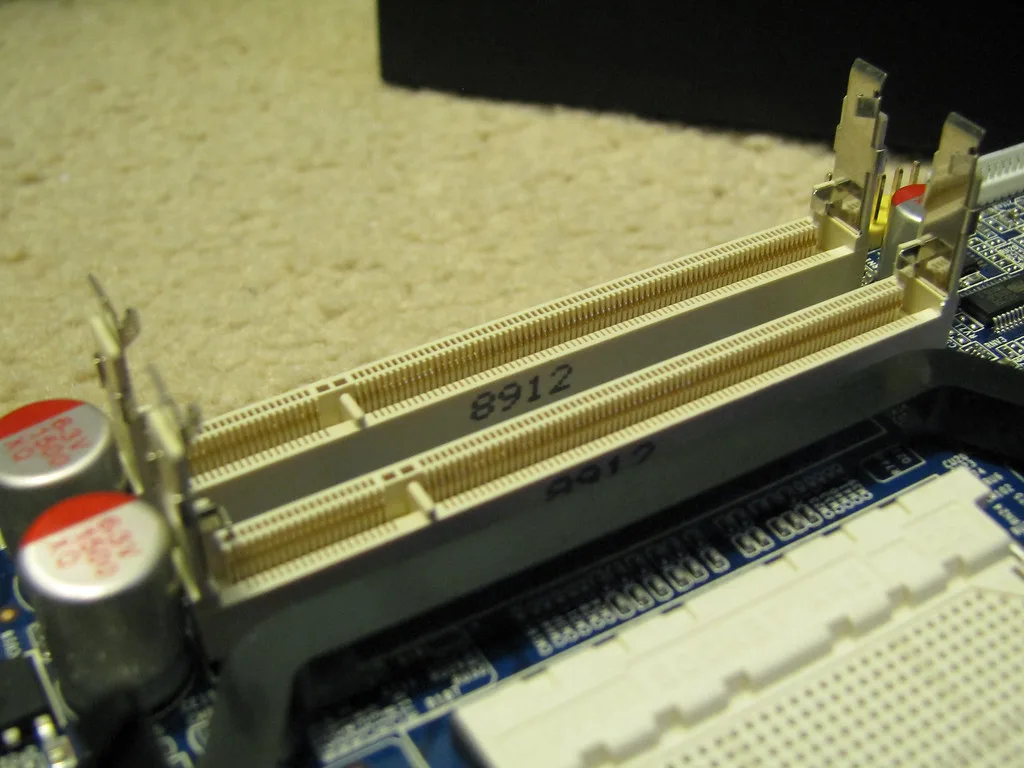
Memory and storage are separate configuration details. The module and socket photographs illustrate hardware components used in some systems, not the construction of every qualifying laptop. A category threshold does not establish service access or future expansion. Use the model's documentation when upgradeability matters.
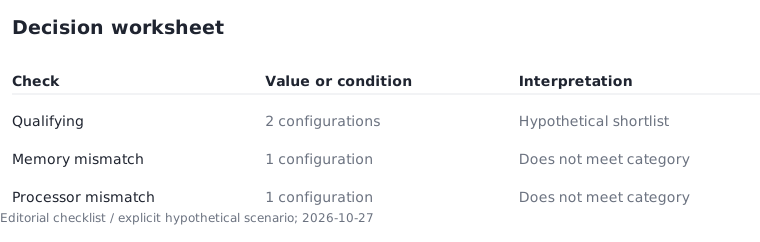
For a hypothetical four-machine shortlist, imagine two configurations meet the category requirements, one lacks the required memory configuration and one lacks a qualifying processor. The result is two qualifying candidates. It is not four equivalent systems with different labels. Record the exact seller configuration so a shared family name does not hide a material difference.
Keep the desk setup in the comparison
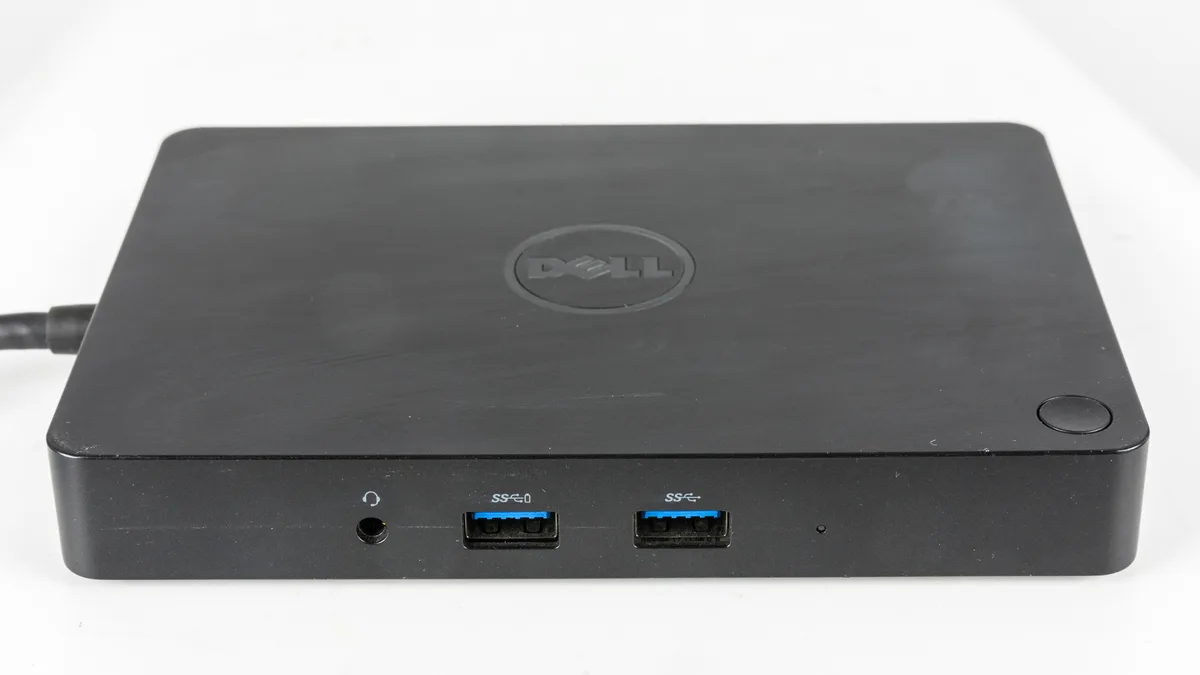
External displays, storage devices and other peripherals still need to fit the computer. The dock photo illustrates a physical connection accessory, not proof of compatibility with a candidate system. List the devices you own and their required connections before calculating the full purchase amount.
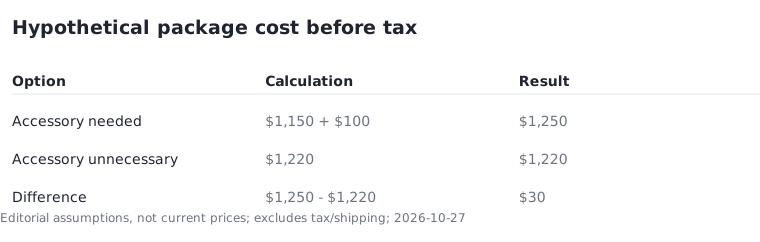
Suppose one hypothetical laptop costs $1,150 and needs a $100 desk accessory. Its subtotal is $1,250 before tax. Another suitable candidate costs $1,220 and needs no extra accessory. The second package is $30 cheaper under those assumptions. This calculation does not assign an invented financial value to an AI feature; it simply makes accessory spending visible.
Choose using outcomes you can verify
An NPU throughput threshold does not by itself tell you the export time for a particular editing project or the battery runtime in your routine. Use evidence matched to the task for those questions. Without a comparable measurement, leave performance unresolved instead of deriving it from a category minimum.
A task that explicitly requires a category-specific feature is the exception. Then eligibility may be an essential filter rather than a bonus. Apply that filter, confirm the feature conditions and compare remaining candidates on software support, full cost and usability. Save the dated official specifications with the decision so future changes do not become confused with the evidence available at purchase.