Photoshop laptop memory: minimum versus recommended
Interpret Adobe's RAM guidance, separate upgradeability from capacity, and compare the complete cost of a photo-editing laptop.
Updated:

Begin with the application recommendation
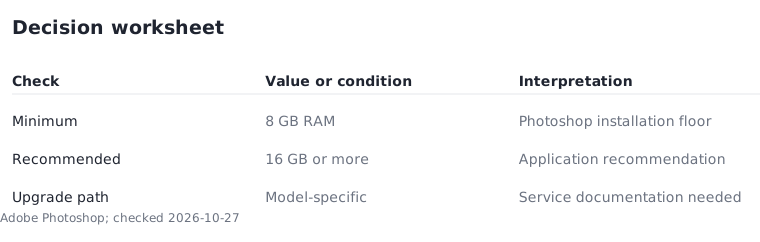
For a US buyer choosing a Photoshop laptop, the application recommendation is more useful than the lowest configuration that permits installation. Adobe's checked Photoshop 27.x Windows Intel/AMD specification lists 8 GB RAM as minimum and 16 GB or more as recommended. These are different labels: neither is a measured promise about how quickly your own document will finish an operation.
Record the application version and largest type of project you normally edit before comparing computers. This article offers a buying worksheet, not a benchmark or a claim of hands-on testing. A machine that opens the application may still represent a compromise for the workload you intend to perform.
Describe an editing session before setting a budget
Make two columns called usual work and occasional heavy work. Include the kinds of files, the role of layers and the other applications you keep open. You do not need to disclose private photographs or client material; an anonymous description is enough to make the comparison more specific than a generic claim that a laptop is for creatives.
If the heavy-work column describes an annual hobby project, you might accept a slower process. If it describes weekly paid work with a deadline, give it more weight. This is an editorial decision framework, not a formula that converts document dimensions into an exact memory requirement. Use the same session description for every candidate.
Price the upgrade route rather than assuming it is cheaper
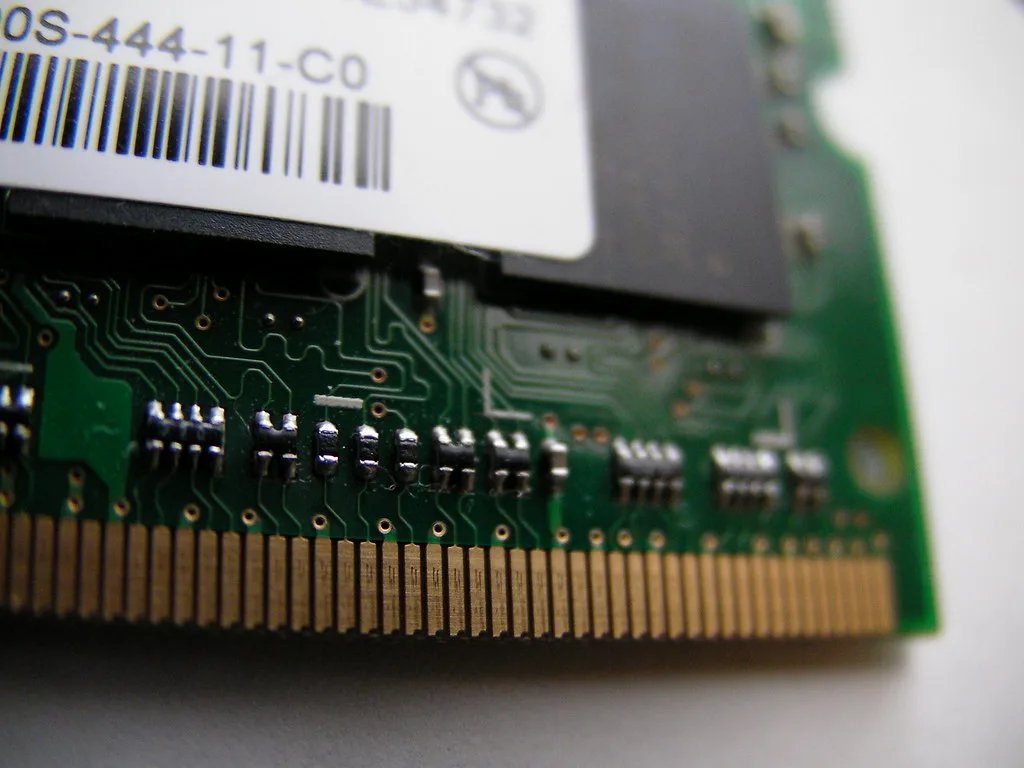
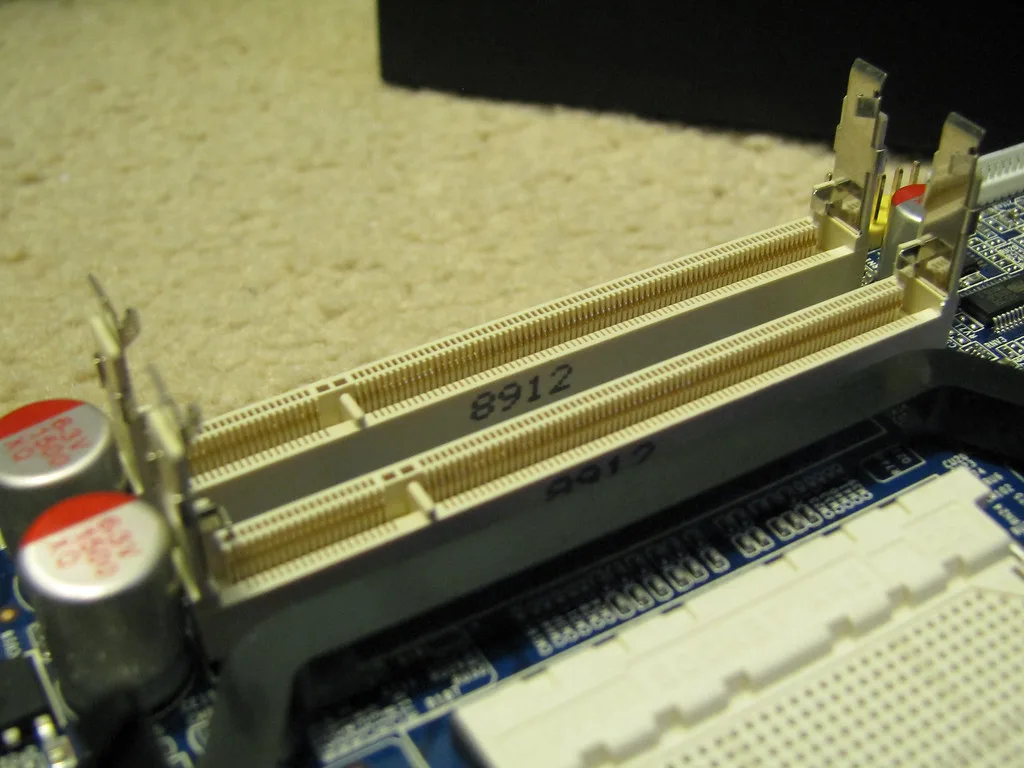
A removable module and its socket illustrate why some computers can be upgraded. Their photographs cannot establish that the laptop you are buying has that design. Obtain model-specific service information before assigning value to future expansion. If memory is fixed, choose a suitable capacity at purchase instead of budgeting for an unavailable upgrade.
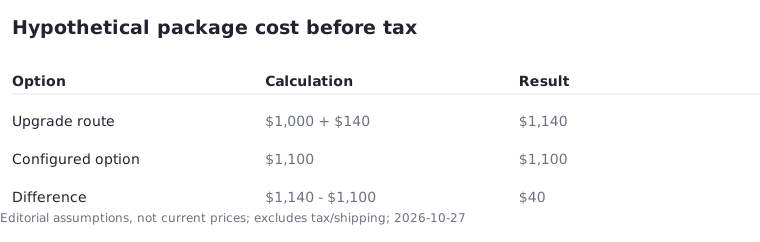
Here is a hypothetical cost example, not a retailer offer. One configuration costs $1,000. Another with the required memory already installed costs $1,100. If a supported later module and installation would cost $140, the upgrade route totals $1,140. The configured option is $40 lower before tax under those assumptions. Replace all inputs with real compatible offers before using the calculation.
Complete the specification beyond memory
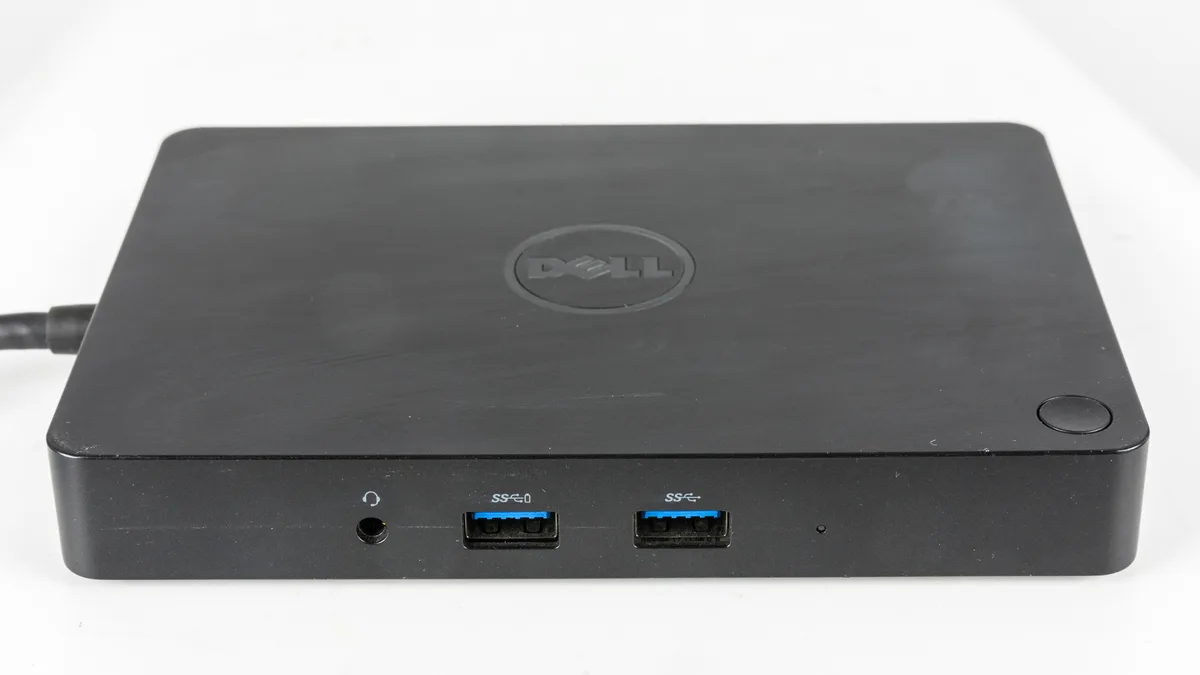
Adobe also publishes processor, graphics, operating-system and storage requirements. A memory capacity that meets the recommendation cannot cancel an incompatibility elsewhere. Keep those requirements in separate worksheet rows. Likewise, a dock in your editing setup raises a separate question about connecting the display and peripherals; it does not increase memory capacity.
Write down the exact external display and devices you plan to retain. The older dock pictured is an illustration of a connection accessory, not a current recommendation. Count necessary accessories in the package budget so a laptop that appears affordable does not require an unexpected second purchase to fit your desk.
Document the compromise you are accepting
For two finalists, mark whether each meets the application recommendation, supports essential peripherals and fits the complete budget. Where both qualify, compare the keyboard, display arrangement and portability that fit your routine. Avoid claiming a measured performance improvement without a reproducible comparison of the actual configurations.
A tightly limited budget is an important exception. You may knowingly accept a minimum-level configuration for a narrow workload, but label it as a compromise. Save the exact seller configuration and official requirements with the purchase record. If an application update changes those requirements, that record makes it easier to reassess what must change and what can remain.