Audit Windows on Arm compatibility before buying
Turn software, drivers and peripherals into a pass-or-fail compatibility checklist before choosing an Arm laptop.
Updated:
Start with required equipment
A US buyer considering Windows on Arm should list required software and peripherals before comparing prices or battery claims. Microsoft identifies device drivers as a distinct compatibility issue: hardware needs drivers available in Windows or suitable Arm64 support. Running an application through emulation does not solve an incompatible device driver.
One unsupported essential device can outweigh several attractive specifications. Put the printer, specialist interface, security software and main applications on the same list. This is an audit, not a prediction that all older equipment will fail. The aim is to replace an assumption about compatibility with evidence for your particular workflow.
Give every item an evidence column
Use four columns: item, exact model or version, official evidence and decision. A statement that a brand supports Windows is too broad to settle the question for one driver. Save the manufacturer's page for the actual product. If it does not distinguish platforms, mark the item unresolved instead of converting silence into a pass.
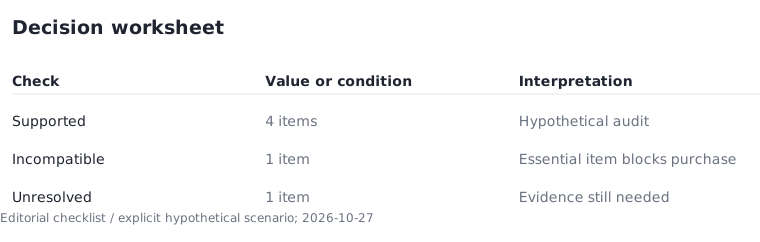
For example, a hypothetical list has six essential items. Four have suitable official support, one has a known limitation and one lacks clear evidence. That outcome is four supported, one incompatible and one unresolved. It is not a score of four out of six that makes the purchase acceptable. Either remaining item can stop the purchase when it is essential.
Look through the dock to each peripheral
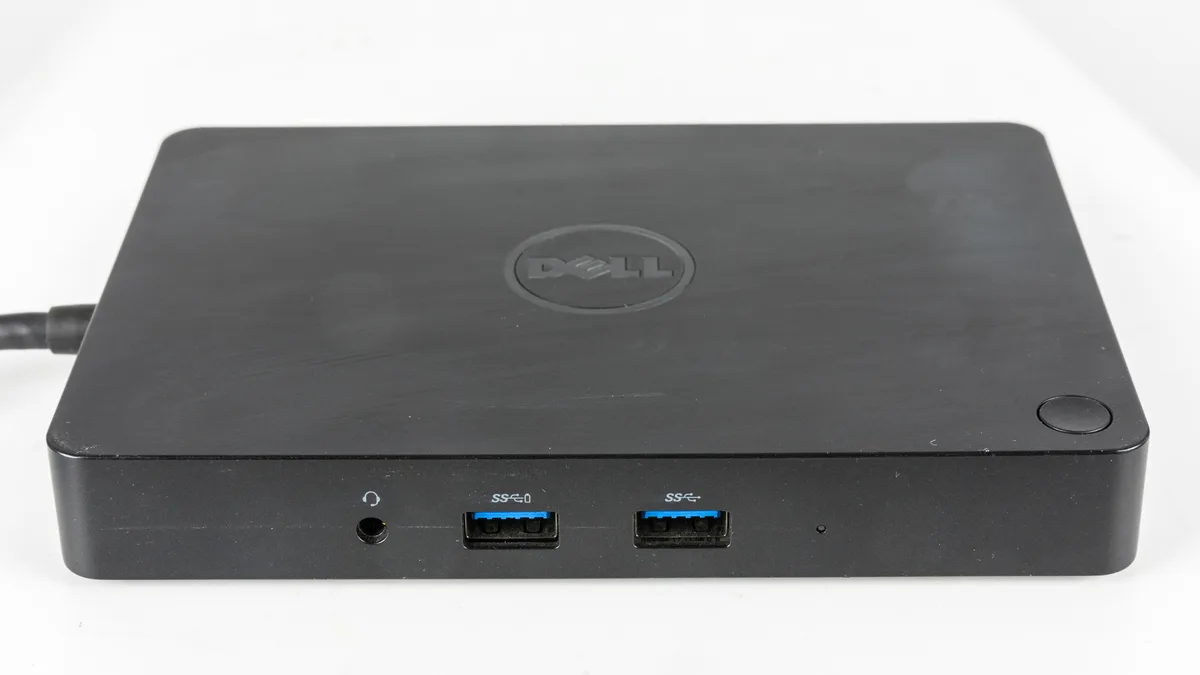
A dock groups physical connections but does not remove the need to evaluate attached equipment. The older dock photograph shows how accessories may connect through one unit. Its appearance cannot establish whether its features or every downstream device will work with a particular Arm computer.
Write the required devices as separate entries even if they currently share a dock. A keyboard, external drive and specialist interface are different checks. This stops a broad claim such as dock works from hiding one unsupported feature. It also makes it possible to price a targeted replacement instead of assuming that the entire desk setup must be discarded.
Keep platform support separate from hardware capacity
Microsoft also identifies certain games with anti-cheat drivers as potential incompatibility cases. An application opening successfully is not enough to prove that every associated component or mode works. Use the publisher's support statement for the version and features you need.
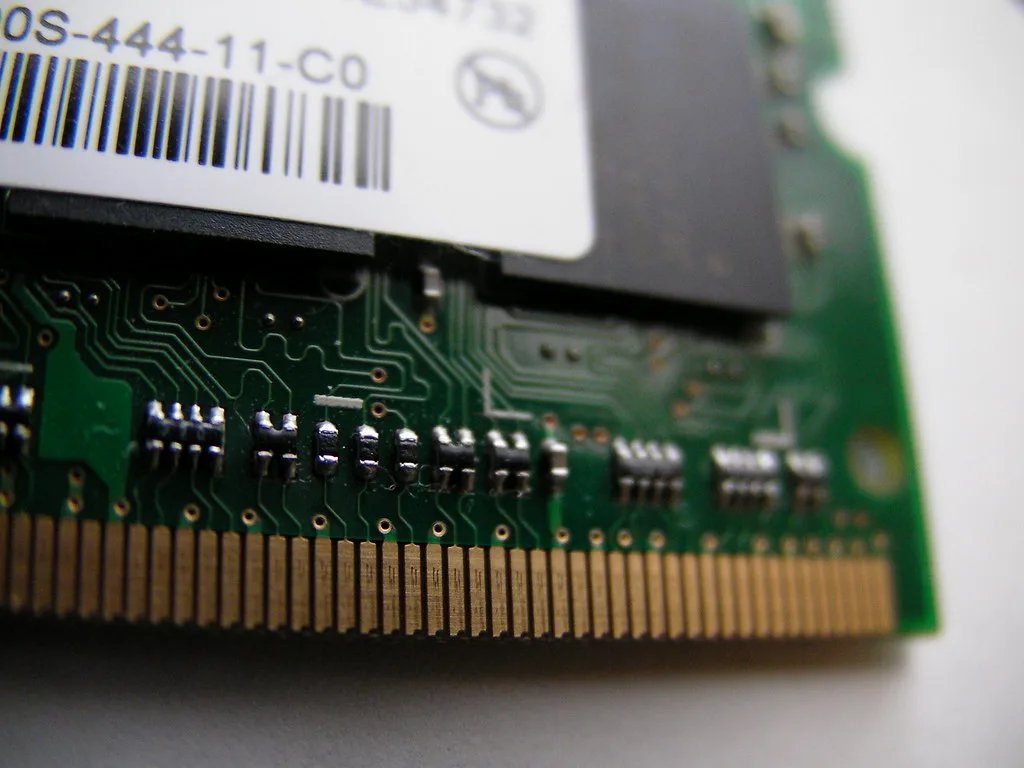
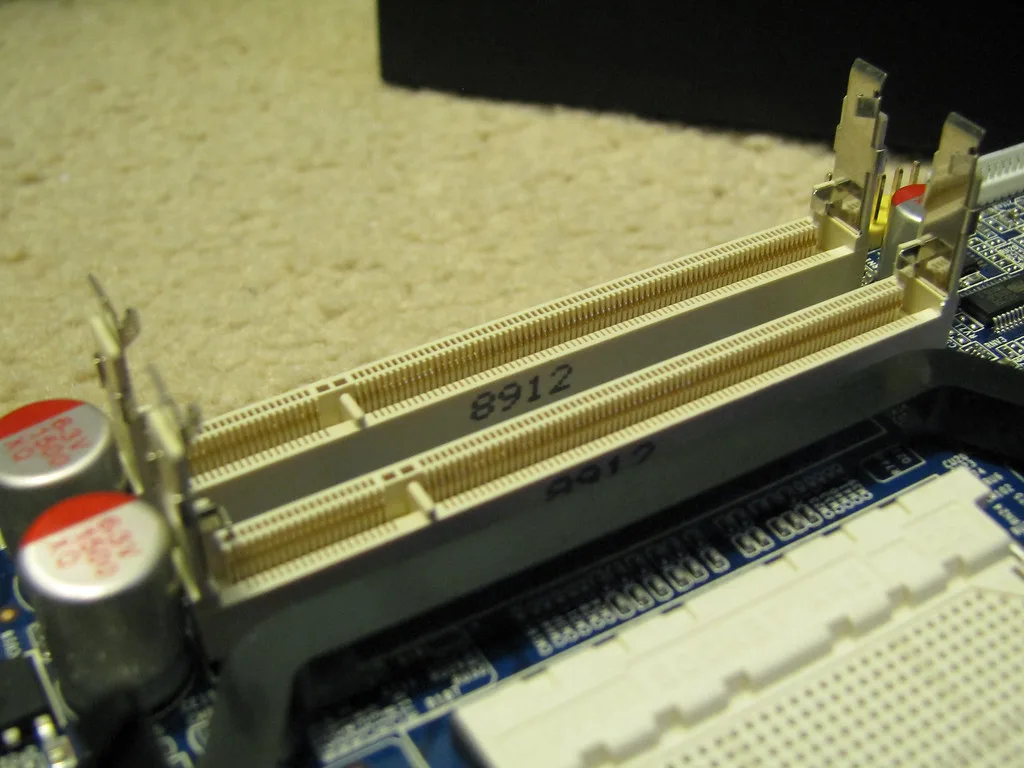
A memory upgrade cannot create missing driver support. The module and socket images illustrate physical memory components, not a solution to platform incompatibility. First settle whether the workflow is supported; only then compare capacity and performance. Otherwise, a more expensive configuration can leave the original obstacle completely unchanged.
Price the migration and record the outcome
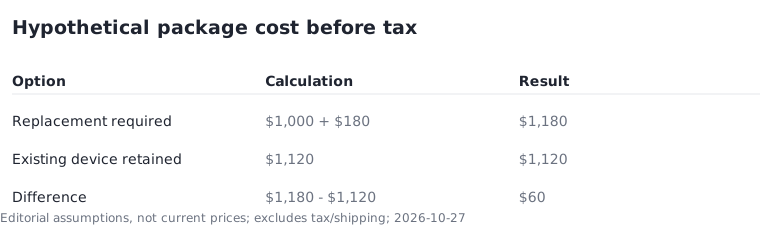
Suppose a hypothetical laptop costs $1,000 and requires a $180 replacement peripheral. The subtotal is $1,180 before tax. A $1,120 alternative that supports the existing device would be $60 cheaper under those assumptions. These numbers are examples, not market quotes. Actual replacement prices must be verified before buying.
The exception is a device you are willing to stop using. If it is genuinely optional, document that choice and remove it from the essential list. Finish with one of three outcomes: all essential items supported, purchase deferred while evidence is missing, or another platform chosen because of an incompatible requirement. Each is more useful than an unsupported promise that everything should work.