Check a Chromebook update deadline before buying
Separate the age of a sale from the remaining update period, and compare the exact Chromebook model before paying.
Updated:

The model number comes before the discount
For a US buyer comparing new and used Chromebooks, the useful question is how long the exact platform will still receive automatic updates. A sealed box or a recent receipt does not restart that timetable. Start with the full model identifier, not just a family name printed in the advertisement. If two listings use similar names, treat them as different candidates until the identifiers match. This method avoids a common purchasing mistake: paying for the appearance of a new device while assuming it carries a newly started support period.
Google publishes model-specific update dates and explains that the update period runs from platform release. Some older eligible devices require an extended-update opt-in. Those conditions belong in the comparison beside the price rather than in a footnote after purchase.
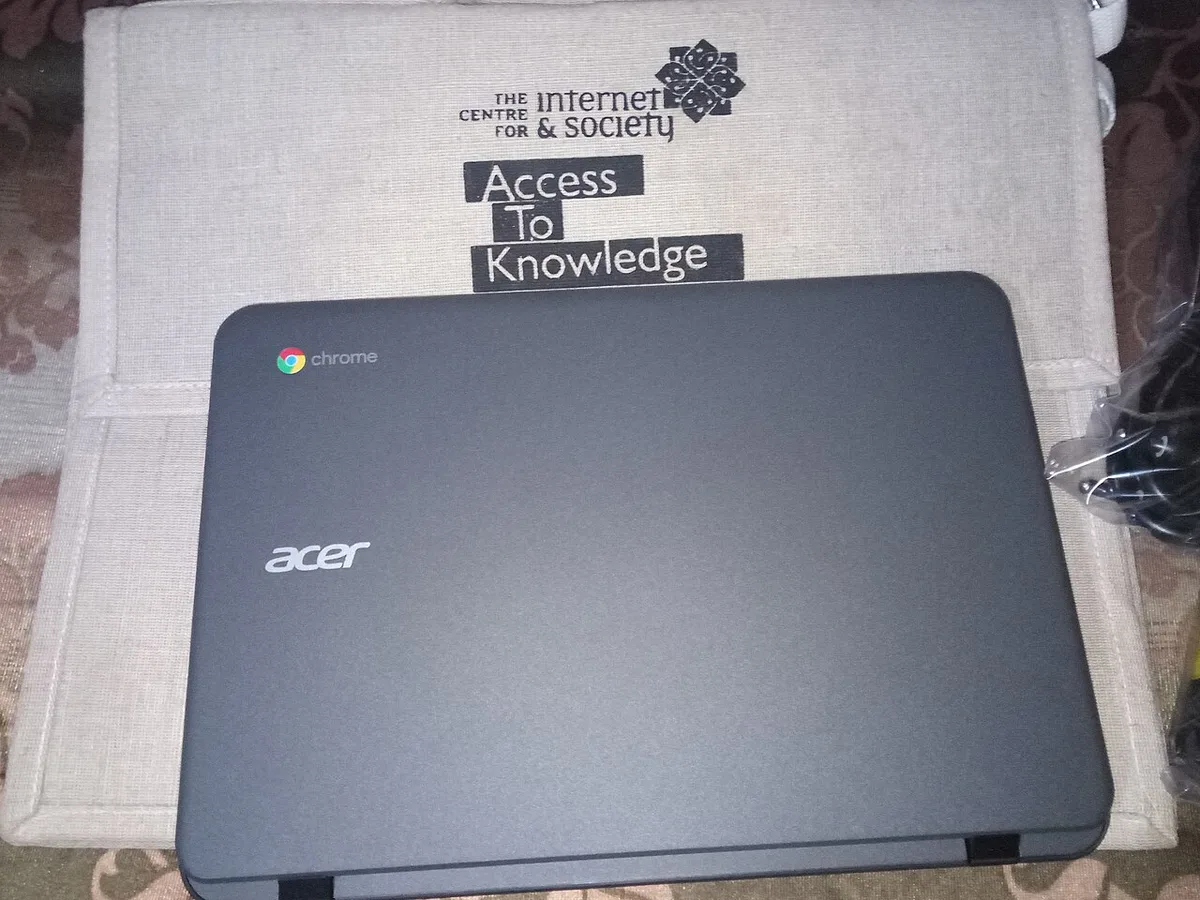
Build a support-period worksheet
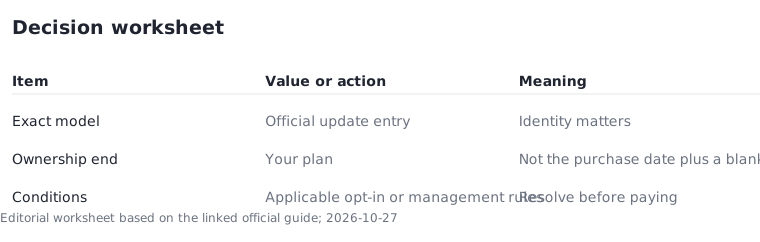
Make four columns: exact model, official update date, intended ownership end date, and unresolved conditions. Copy the date from the official table and record when you checked it. Do not calculate the deadline by adding years to today's date. If the listing omits the model number, leave that candidate unresolved; a photograph of a similar-looking Chromebook is not enough to complete the row.
Your intended ownership period is a personal planning assumption. A student buying for a course and a business buying a temporary spare may rationally choose different remaining periods. Write the planned end date explicitly so the comparison answers your situation instead of rewarding whichever advertisement uses the largest discount percentage.
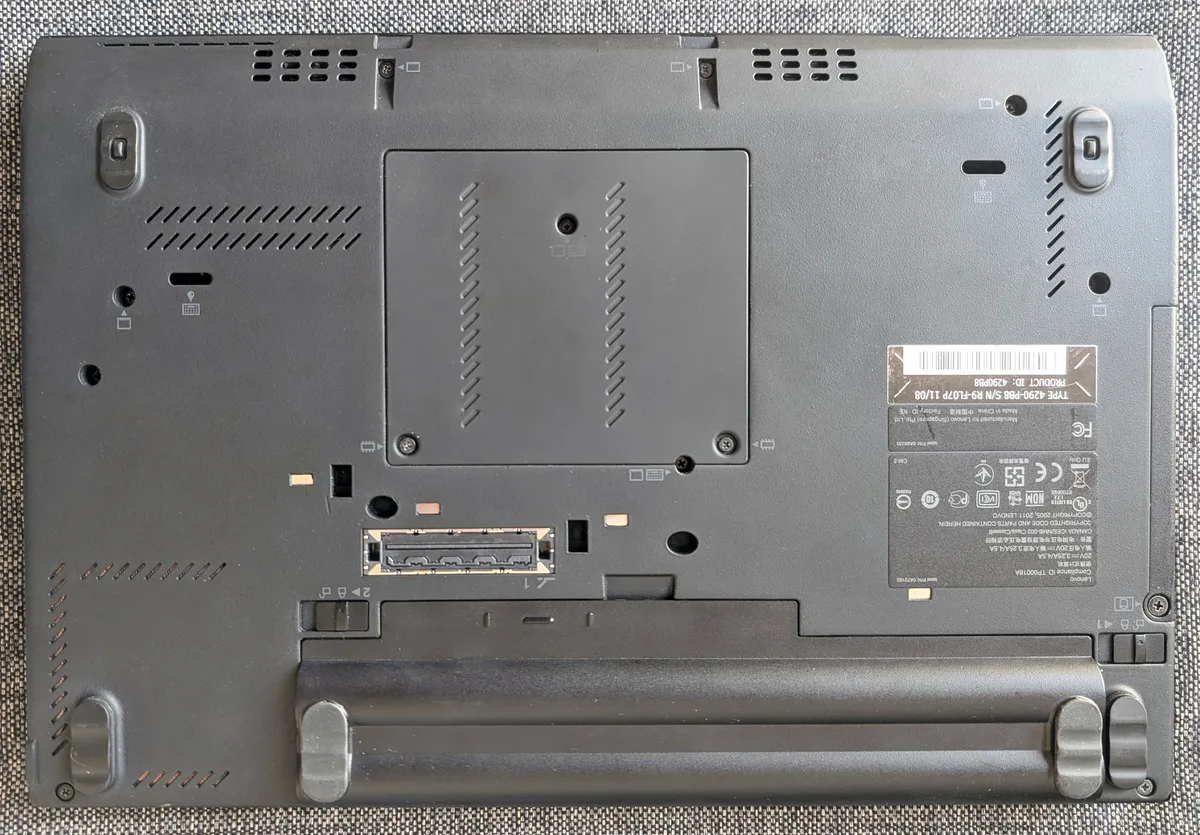
The identification-label photograph below is an older ThinkPad example, not a Chromebook. It illustrates the kind of exact identifier to seek; use the model information from your own candidate, not the pictured label.
Use an assumed example without inventing a product
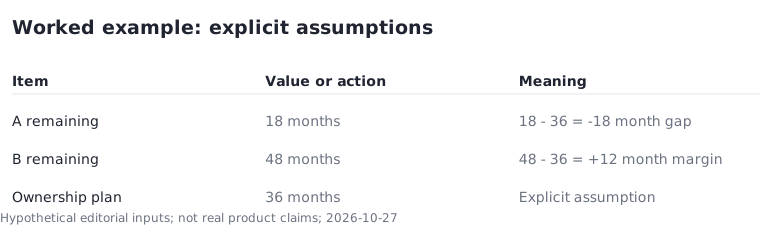
Suppose you plan to keep a device for 36 months. In a hypothetical comparison, candidate A has 18 months of updates remaining and candidate B has 48 months. A leaves an 18-month gap in your plan; B provides a 12-month margin. These are invented inputs for a calculation, not claims about any real Chromebook. The result explains why a lower purchase amount can be a poor fit for a longer ownership plan.
The calculation is remaining update months minus intended ownership months. A negative result is a planning gap, not a prediction that the hardware will suddenly stop working. Keep those two ideas separate when discussing the decision with someone else.
Check exceptions before accepting the worksheet
An extended-update condition can change the practical result. Follow the link attached to the model entry and read the applicable conditions rather than assuming every device receives identical services. School- or employer-managed equipment also needs the administrator's approval; a consumer shopping checklist cannot override an organization's device policies.
A later update deadline does not establish battery condition, keyboard quality, application fit, or seller reliability. Keep those checks in separate rows. This prevents an otherwise useful support criterion from becoming a misleading all-purpose quality score. If a required application cannot run in your intended environment, a generous update period does not fix that incompatibility.

Save the evidence with the purchase record
Before paying, save the exact configuration, seller listing, official update entry, and the date of your comparison. Use the source linked here as the action point for the next check. Revisit the model entry if you delay purchasing or change to a different configuration. A worksheet completed for one model should not silently carry over to another.
The final decision should fit in a sentence: this identified device covers my planned ownership period, the applicable update conditions are understood, and its software and physical condition meet my needs. If a key field remains unresolved, the shortlist is not ready for a purchase decision.