Tablet or laptop: test the work before choosing the shape
Compare a tablet setup with a laptop by checking application workflow, keyboard fit, external devices and the complete accessory budget.
Updated:
Choose around a complete task, not a resemblance
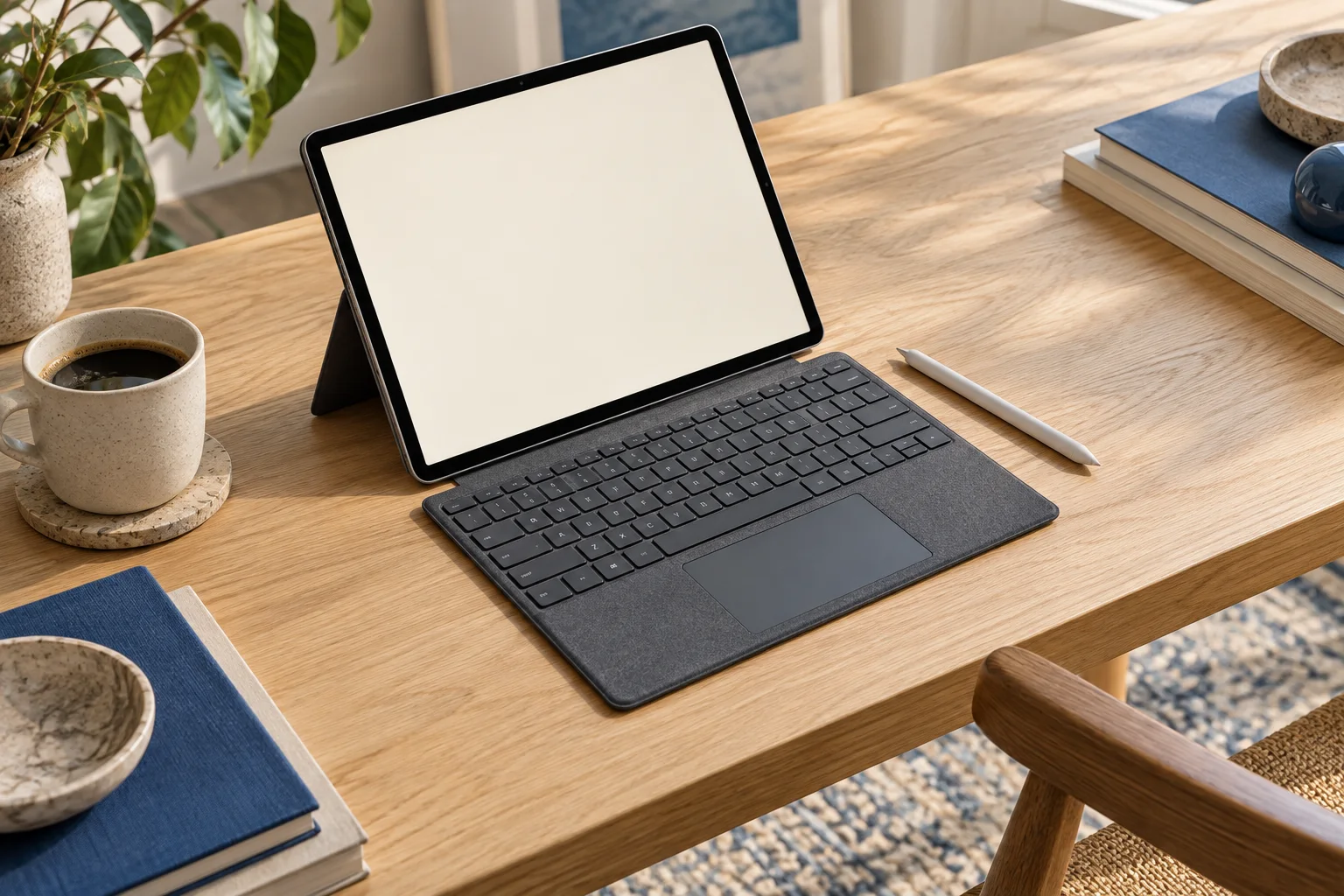
For a US buyer comparing a tablet with a laptop, start by testing a complete essential task in the intended application. A keyboard attached to a tablet does not establish that its software, file handling or accessories behave like the laptop workflow you already know. Conversely, a laptop may be unnecessary if a simpler tablet setup performs every task you actually need.
Write three representative jobs: create or edit something, retrieve and save its files, then share or submit the result. Use your own harmless sample material. This is a buying checklist, not a claim that we have tested a particular device. The right shape is the one that completes the work with acceptable compromises.
Match the keyboard to the exact device
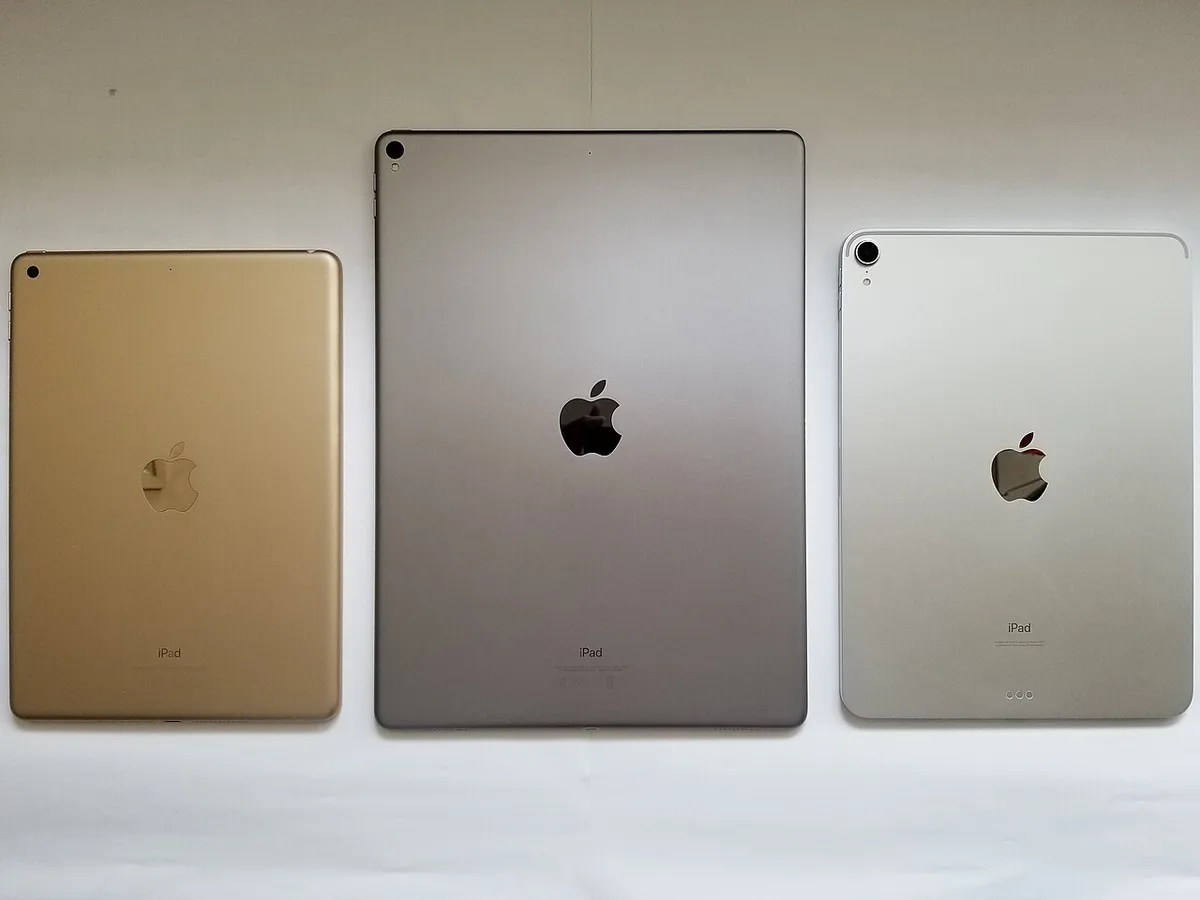
Record the tablet model, keyboard model and official compatibility information together. Apple's keyboard guide distinguishes its iPad keyboard arrangements; do not assume that a shared brand name or similar screen size proves that two accessories fit. When a keyboard case is important, include its actual dimensions and support arrangement in your comparison.
The photograph of several older iPads illustrates different physical designs rather than a current product ranking. An exterior photograph cannot establish keyboard compatibility or the installed software. If you can try the intended arrangement, type a representative paragraph, use the shortcuts you need and consider where you will place it. A desk setup and a cramped lap are different practical situations.
Check the connections and the intended display experience
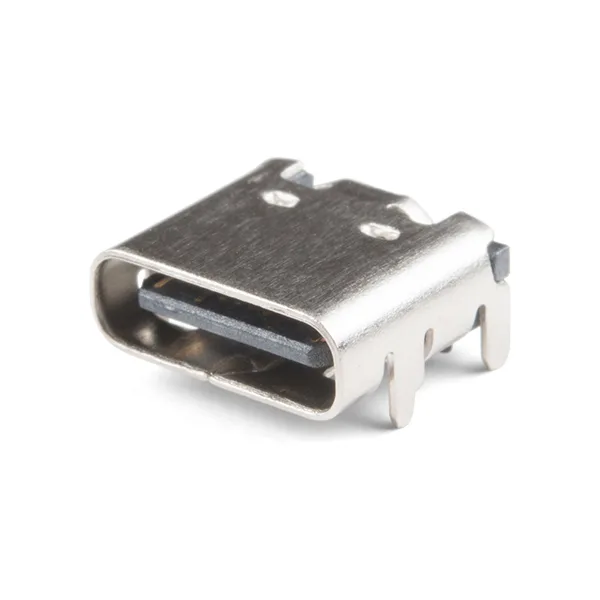
Apple documents USB-C iPad connections to storage devices, keyboards and displays, with capabilities depending on the model and accessory. It also distinguishes mirrored output, an app's second-screen experience and extended-display operation on supported models. Connecting a monitor should therefore not be treated as proof that every tablet provides the same multi-window workflow.
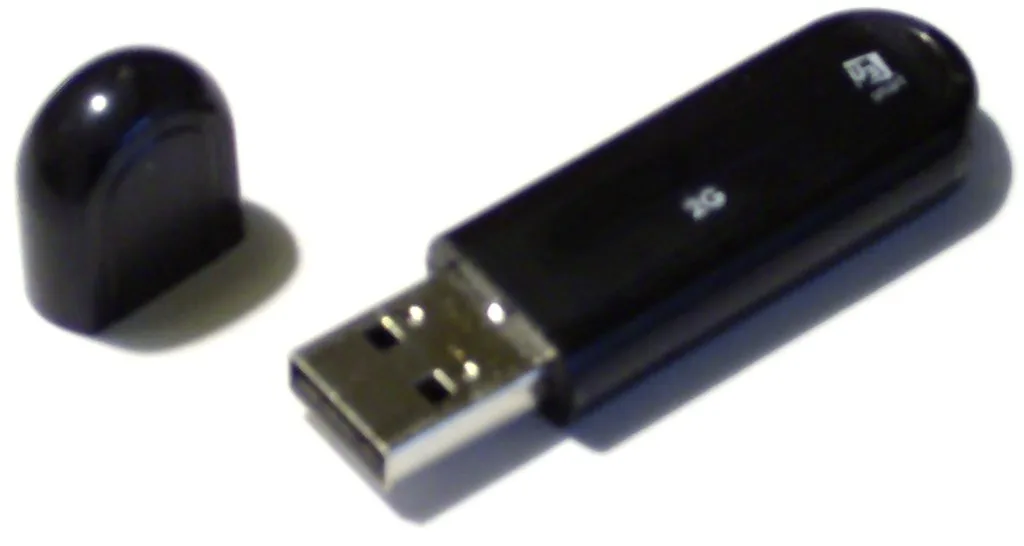
Trace the path from the tablet to the required device, including any adapter. The receptacle photograph identifies a physical connector, not every feature a product implements. The removable USB drive shows an external storage category, not a recommendation for a particular capacity or a guarantee that a file format will work. Read the official requirements for the exact equipment before including it in the plan.
Apple: charge and connect with USB-C on iPad ↗
Compare the complete package price
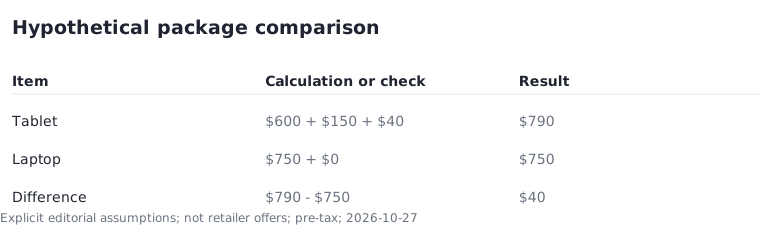
Consider a hypothetical tablet priced at $600, a compatible keyboard at $150 and a needed adapter at $40. Its package subtotal is $790 before tax and shipping. If an alternative laptop that needs no extra accessory costs $750, the laptop is $40 cheaper under those assumptions. These numbers are example inputs, not current prices or claims about named products.
A second calculation may favor the tablet when you already own compatible accessories, but document that assumption. Do not count an existing keyboard as free unless it actually works with the candidate. Include only tools required for the intended jobs, and keep optional accessories separate so they do not distort the basic comparison.
Record the exception that changes the answer
An essential desktop-only application or an unsupported peripheral can make a tablet unsuitable even when writing and browsing feel comfortable. A workflow based on touch input or lightweight reading may favor a tablet instead. Determine the exception from the software publisher's and device manufacturer's current information, not from the product's appearance.
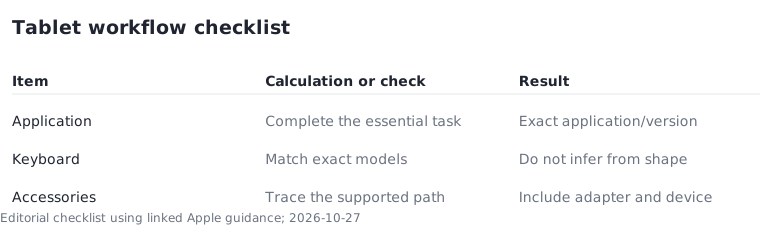
Finish with a short decision record: essential tasks completed, files handled successfully, keyboard and peripherals matched, and complete cost understood. If one critical task remains unresolved, retain the laptop option while investigating. The goal is not to make a tablet imitate every laptop habit; it is to choose a setup that reliably completes your work without hiding the required accessories or compromises.