Choose a Premiere laptop for HD or 4K projects
Build a video-editing laptop shortlist around media, storage and the complete desk or travel package.
Updated:
Let the media set the first comparison
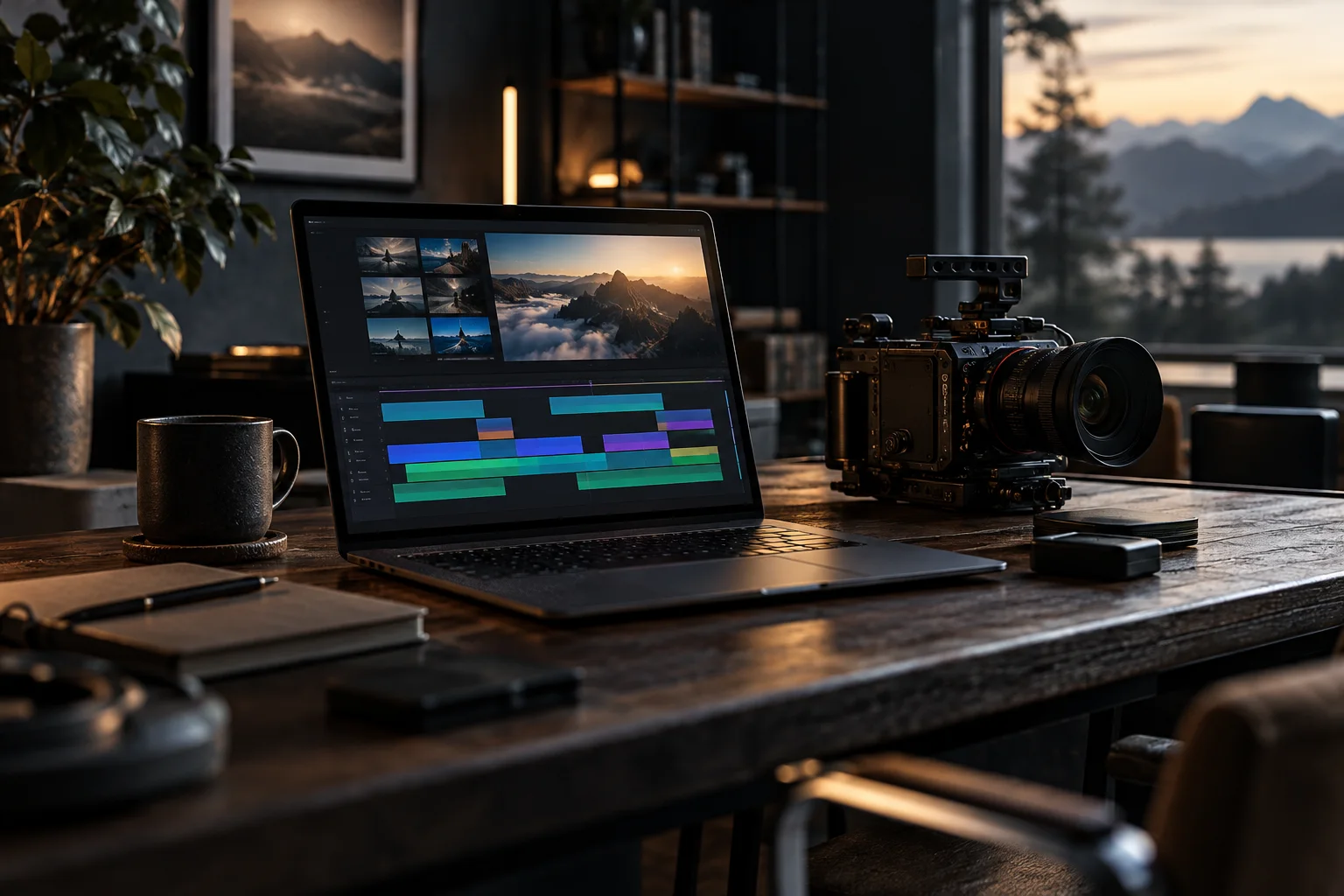
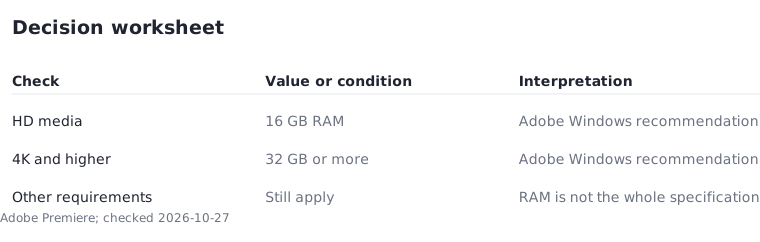
For a US laptop shortlist aimed at Premiere, begin with the media you edit. Adobe's checked Windows recommendation distinguishes 16 GB RAM for HD media from 32 GB or more for 4K and higher. Those figures start the configuration decision; they do not predict export time. The rest of the application requirements still apply.
Write your normal source resolution and delivery resolution separately. A project delivered in HD may still use higher-resolution source material. This guide describes a decision process rather than a test of particular laptops. Someone cutting simple interviews and someone assembling complex higher-resolution projects should not assume that the same configuration is equally suitable.
Make a working-session card
The timeline alone is an incomplete description. List the applications you run alongside the editor, connected media and whether you work at a desk or away from power. A laptop that fits a travel bag can become a less portable package after adding the charger, drives and adapters that your work requires.
Use five fields: application version, source media, project complexity, connected equipment and place of work. Apply the same card to every candidate. If a review tests a different workflow, record the difference instead of treating the result as directly comparable. This method makes the questions more consistent without inventing a universal performance score.
Give memory and storage separate rows
A large advertised drive does not prove that memory is sufficient. Equally, a generous memory configuration does not prove that the storage arrangement fits your workflow. Adobe includes storage considerations alongside RAM and graphics. Complete each requirement row before treating the laptop as a viable candidate.
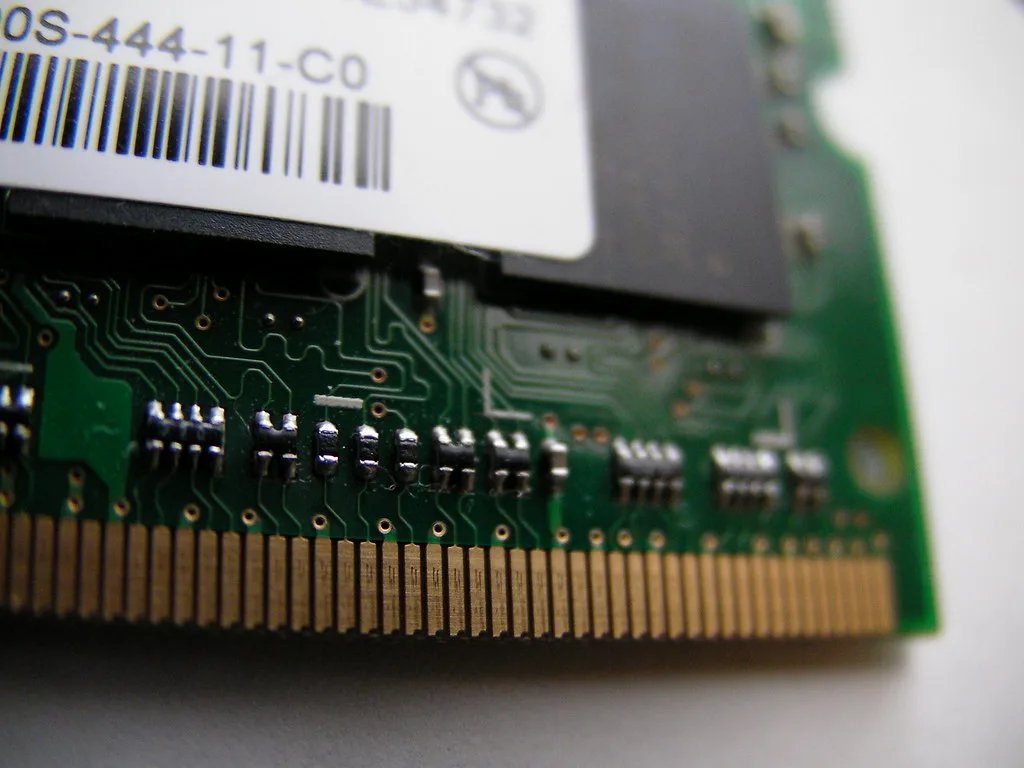
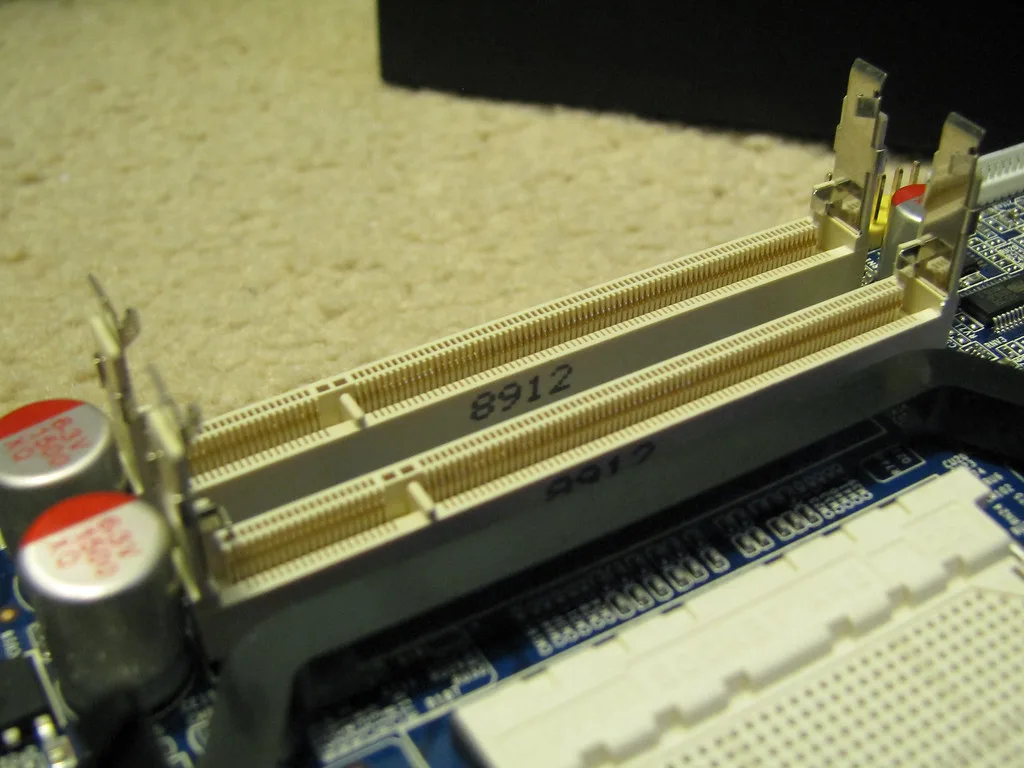
The photos of a memory module and socket illustrate hardware construction, not upgrade support in a particular machine. Verify the exact model's service information. If replacement is supported, price the part and installation. If memory is fixed, choose an appropriate configuration at purchase. Do not assume that two machines in one product family have identical upgrade options.
Calculate a complete editing package
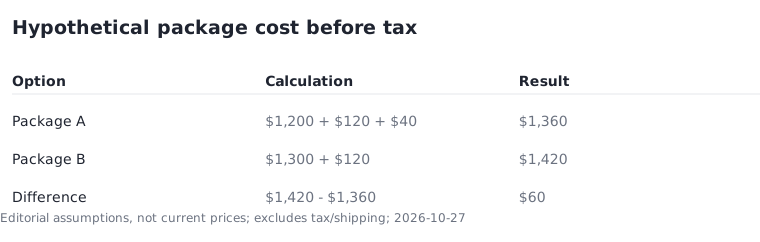
Consider a hypothetical package: laptop $1,200, required external drive $120 and needed adapter $40. The subtotal is $1,360 before tax. A competing $1,300 laptop needing the same $120 drive but no adapter totals $1,420. The first package is $60 cheaper under those assumptions. These are illustrative inputs rather than current retailer prices.
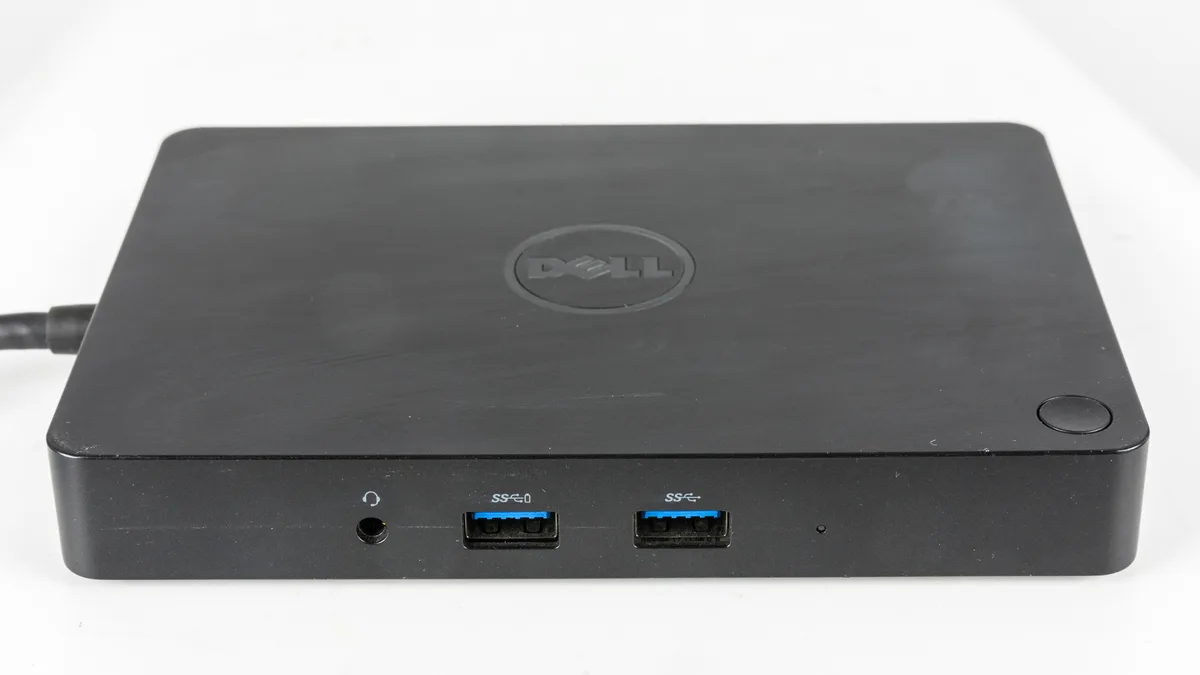
A dock can organize physical connections, but include one only when required and compatible with the planned equipment. The older dock pictured is an illustration, not a recommendation for an editing workstation or a statement about its speed. List which devices connect through it and which connect directly so the accessory plan can be checked.
Reject a speed promise without matching evidence
Meeting a memory recommendation does not establish that every effect, codec or project will run well. That is the important exception to a simple capacity comparison. An unsupported requirement elsewhere can invalidate the shortlist. Use the complete current requirements for the platform and version you intend to run.
For the final decision, write why the configuration supports the application, includes the planned storage arrangement and fits the full budget. If a benchmark matters, record the project, settings and hardware behind it. Without that context, a single speed number can create more confidence than it deserves. Save the exact configuration so a later seller substitution does not silently change the decision.