What the Intel Evo badge is actually verifying
Intel Evo is a verification programme with published targets. Read what those targets cover before letting the badge stand in for a decision.
Updated:
Intel Evo is a verification programme, not a performance grade
Intel Evo is a badge a laptop carries when the design has been verified against a published set of targets. It is not a processor, not a performance tier, and not a score. A machine either went through the verification or it did not, so the badge answers one narrow question: did this design meet the listed targets under Intel's test conditions.
That narrowness is useful if you read it correctly. The targets cover responsiveness, battery behaviour, connectivity and display quality — the things that are tedious to compare across spec sheets. They do not cover whether the machine suits your particular work, and Intel does not claim they do.
The targets Intel publishes
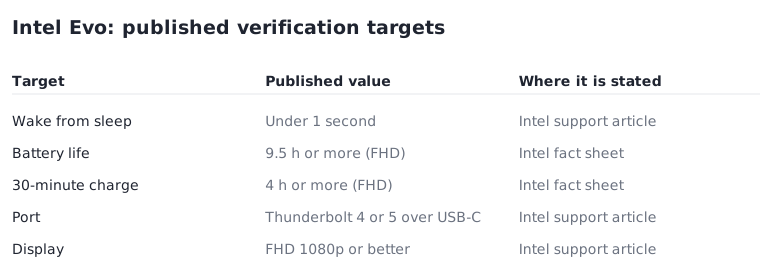
Intel's own documentation states the headline conditions. A verified design must wake from sleep in under one second. Intel's fact sheet for 13th Gen designs lists 9.5 or more hours of real-world battery life on laptops with a full HD display, and four or more hours of battery life from a 30-minute charge on the same display class. For Core Ultra designs the battery figure is listed as ten or more hours.
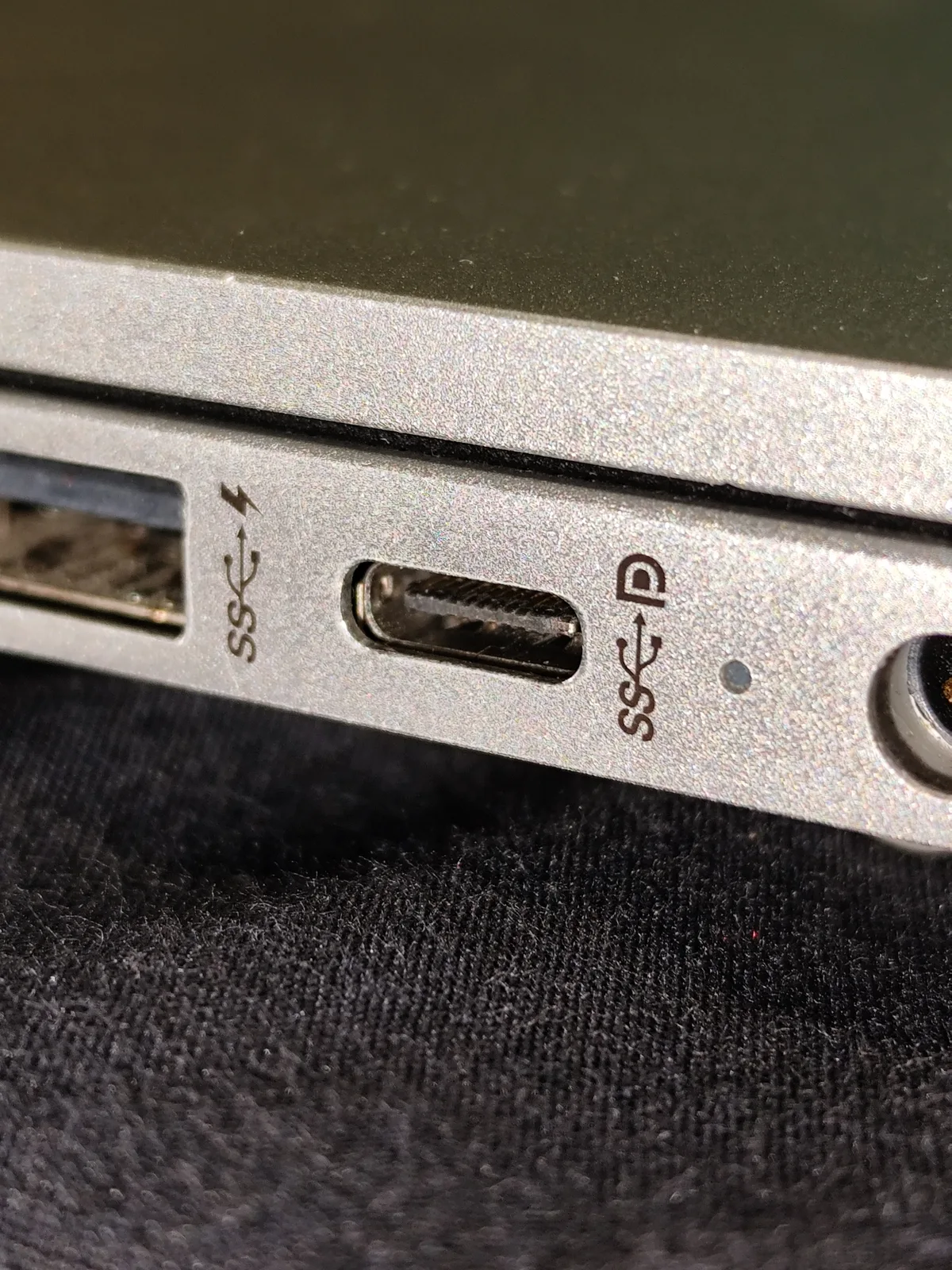
Connectivity and display carry conditions too. Intel states universal cable connectivity over USB Type-C with Thunderbolt 4 or 5, and a full HD or better display verified against brightness, contrast, colour space and bit depth. A user-facing camera of 1080p at 30 fps or better is listed alongside it.
Two further conditions sit in the same list and are easy to skim past. Intel describes the wireless side as up to Wi-Fi 7 on current designs, with earlier Evo generations verified on Wi-Fi 6E including 160 MHz channel support and the 6 GHz band. The user-facing camera carries its own floor of 1080p at 30 frames per second or better. Neither is a headline feature, but both are the kind of item a buyer discovers late, and both are settled on the specification page rather than in the product description.
| Target | Published condition | Qualifier Intel attaches |
|---|---|---|
| Wake from sleep | Under 1 second | From sleep, not from shutdown |
| Battery life | 9.5 h or more; 10 h or more on Core Ultra | Measured on a full HD display |
| Fast charge | 4 h or more from a 30-minute charge | Measured on a full HD display |
| Connectivity | Thunderbolt 4 or 5 over USB Type-C | At least one port |
| Display | FHD 1080p or better, quality verified | Brightness, contrast, colour, bit depth |
Which processors the programme covers
Intel lists the qualifying silicon explicitly: selected 11th through 13th generation Core i9, i7 and i5 mobile processors with Iris Xe graphics, together with Core Ultra mobile processors in Series 1, 2 and 3.
The word selected is doing real work in that sentence. Having a qualifying processor does not make a laptop an Evo design, because the verification is applied to the whole machine. Two laptops with the same processor can differ on the badge, and that difference tells you something about the chassis, display and firmware rather than about the chip.
What a battery target is and is not
The battery numbers are the part most often misread. They are verification targets measured under stated conditions, not a prediction for your day. Intel says plainly that the verifications do not guarantee individual laptop performance and that power and performance vary by use, configuration and other factors.
Two variables move the result more than most buyers expect. The figures are tied to a full HD display class, so a higher-resolution or OLED configuration of the same model is not the configuration that was measured. And screen brightness, background applications and battery age all sit outside the test. Treat the number as a floor that a verified design cleared in a lab, not as a quantity you have purchased.
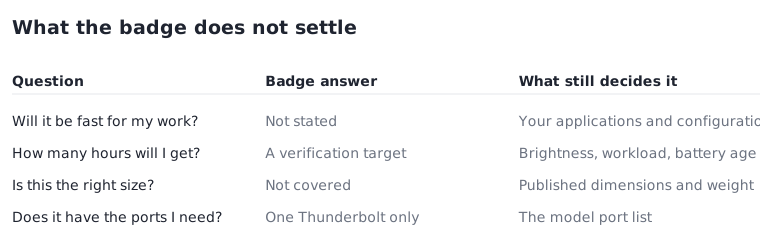
Questions the badge leaves open
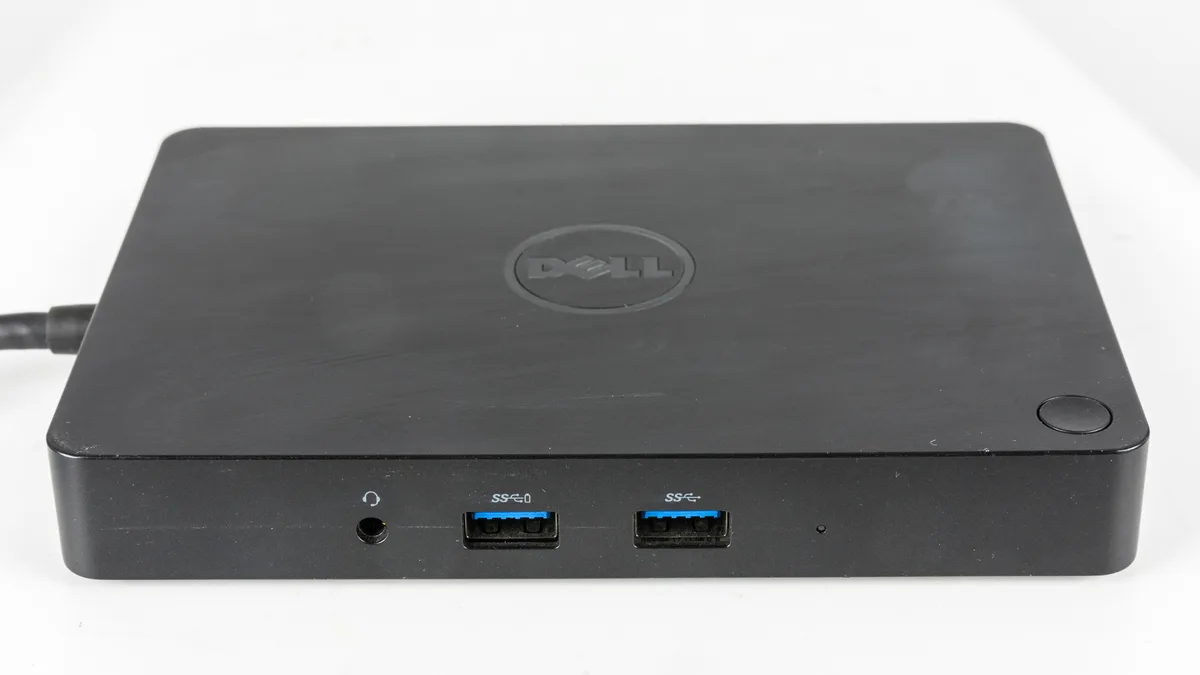
Nothing in the programme speaks to size, weight, keyboard layout, port count beyond the single Thunderbolt requirement, or repairability. A verified design can still be heavier than you want, have one usable port once the charger is attached, or ship with a keyboard layout you did not expect.
It also says nothing about your applications. If a specific program sets a memory or graphics requirement, that requirement is unchanged by the badge. The useful mental model is a filter rather than an answer: Evo narrows a long list to designs that cleared a documented bar, and the remaining comparison still has to be done on the model page.
Before you order
Each of these is answerable from the manufacturer page for the exact configuration, which is where a badge question should be settled.
- Confirm the configuration you are ordering is the display class the battery figure was measured against.
- Count the ports with the charger attached, not on the diagram.
- Check the published dimensions and weight separately; the badge does not cover them.
- Check your own application requirements against the configuration, not against the badge.
- Note the processor generation listed for the model, since the programme covers selected parts only.