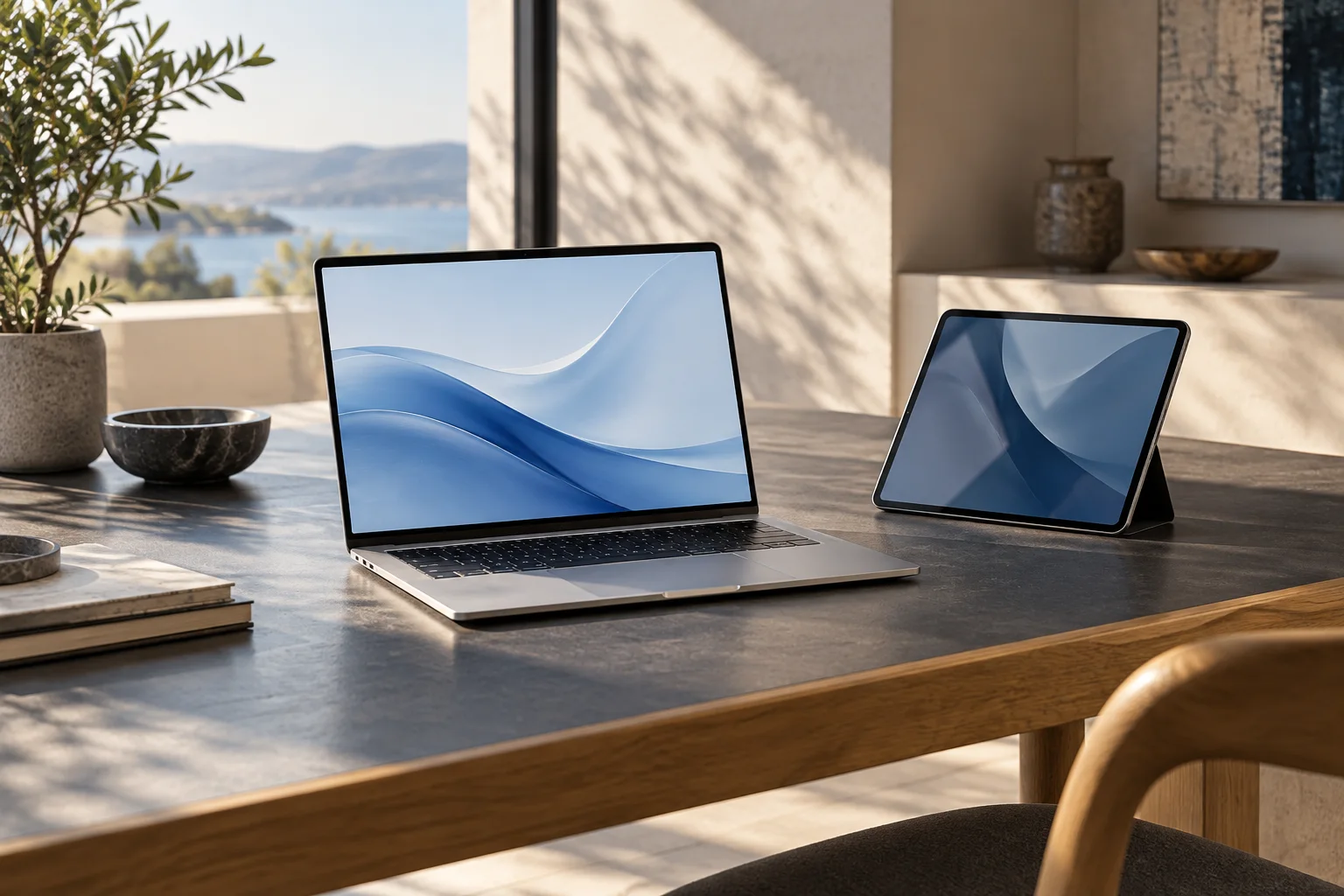
Check Windows 11 eligibility on a used laptop
Separate seller claims, device specifications and official requirements before paying for a used Windows laptop.
Updated:

An installed system is not the whole answer
Before buying a used laptop for Windows 11 in the United States, establish whether the exact computer meets Microsoft's published requirements. Memory and storage are only part of the check. A seller saying that Windows is installed is not equivalent to evidence that the configuration meets all supported-system requirements.
Obtain the exact model and configuration so the offered device can be compared with official information. This is a purchase-screening method, not instructions for bypassing installation requirements. If essential evidence is missing, a low price should not turn an unresolved specification into an assumed pass. The computer must suit the use you actually intend.
Separate three sources of information
Create columns for what the seller says, what the device reports and what the official requirement says. This exposes contradictions that a single summary can hide. A listing may describe a similar configuration while the unit offered has different hardware. Save the specific listing rather than relying on a product-family name.
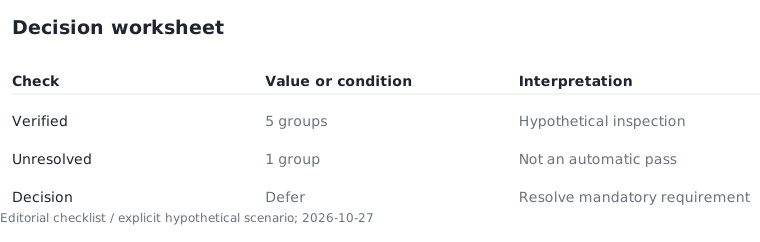
Imagine a hypothetical inspection with six requirement groups. Five are verified and one remains unknown. The result is five verified and one unresolved, not a passing percentage. One unmet mandatory requirement can change the decision. Do not average essential requirements into a score that makes a disqualifying problem disappear.
Tie every upgrade to a specific problem
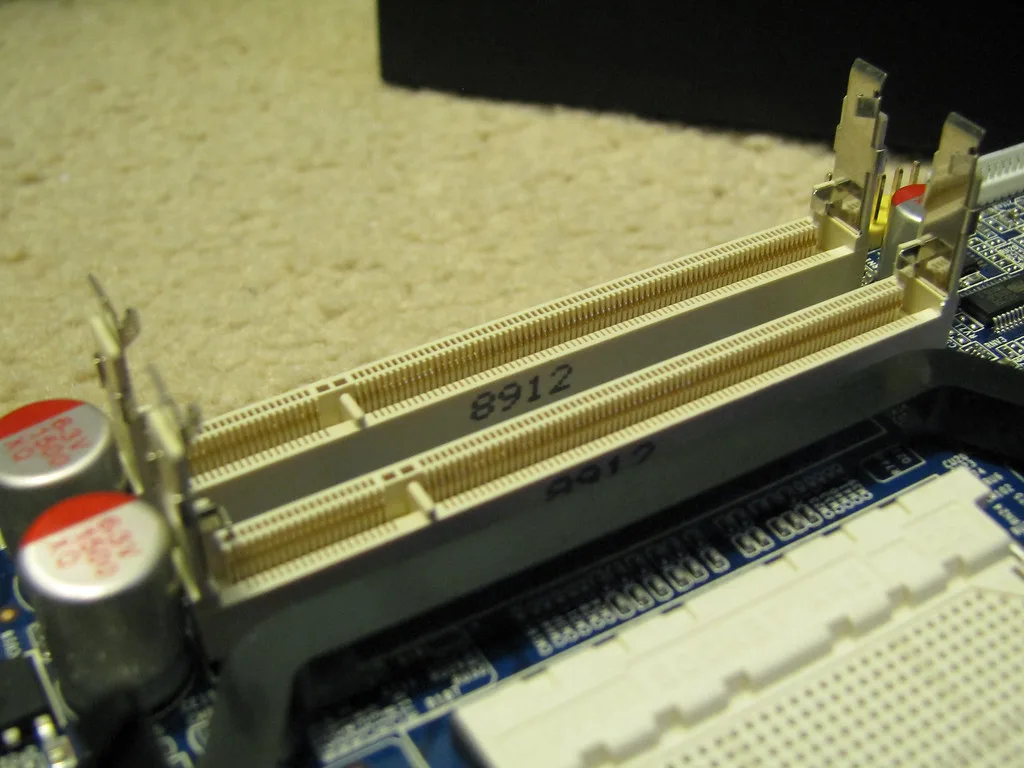
A memory upgrade can address a capacity limitation when the exact model supports the part. It cannot establish that unrelated components meet operating-system requirements. The module and socket photographs illustrate the physical relationship; they are not photographs of the seller's unit and do not establish upgradeability.
For each proposed upgrade, write the requirement it addresses and the service evidence that it is supported. If you cannot connect those statements, leave the upgrade out of the plan. This prevents an apparently cheap listing becoming an open-ended project. Also consider whether you are comfortable arranging the work and whether that effort belongs in your budget.

Compare complete offers, not bare devices
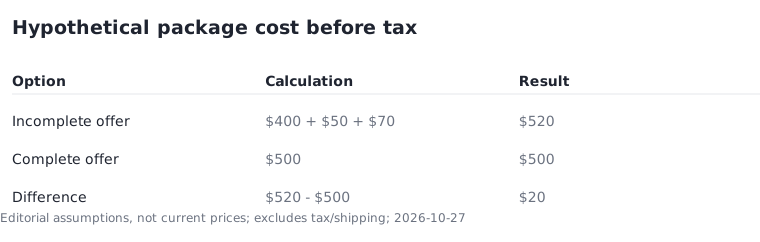
A hypothetical used laptop costs $400 but needs a $50 charger and a $70 compatible accessory. The package subtotal is $520 before tax and shipping. A complete $500 offer would be $20 cheaper under those assumptions. These figures are illustrative, not current prices or a claim about every used machine.
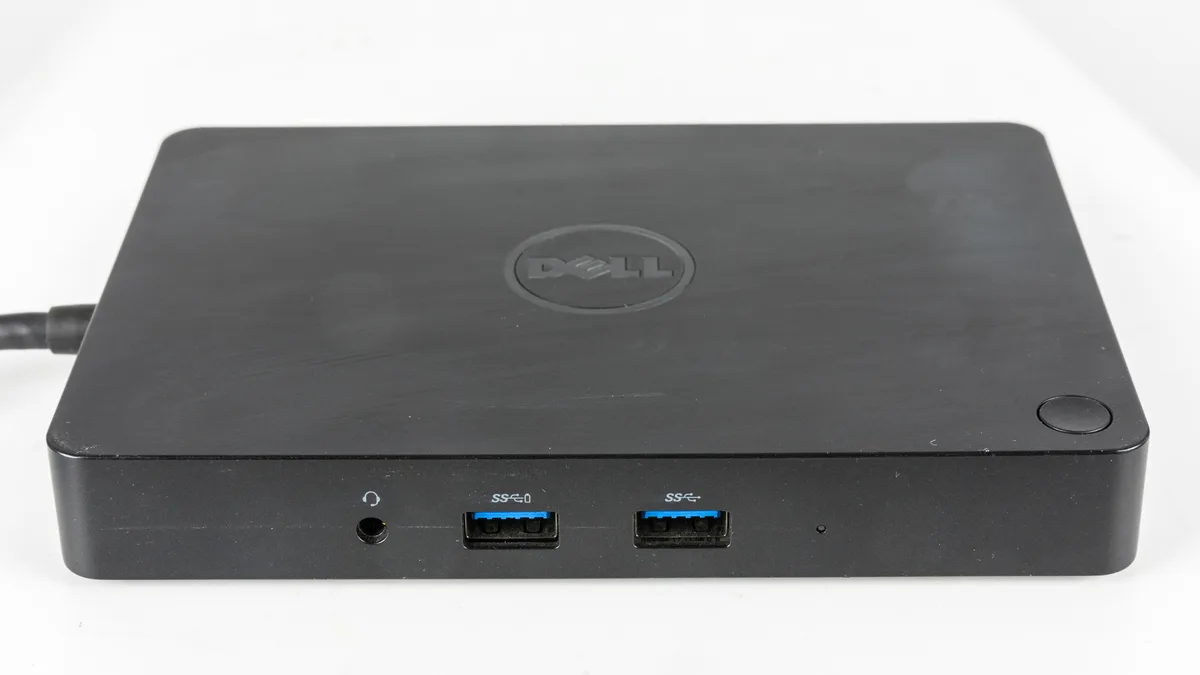
The dock photograph illustrates one accessory category, not something every buyer must purchase. List only the connections your own desk requires. Record the included charger and the actual seller's return terms. This guide does not assume a universal return period or warranty for used laptops; those conditions belong to the specific offer being evaluated.
Make supported use a purchase condition
Save the seller's description and official requirement evidence together. At an in-person inspection, confirm that the hardware matches the description before paying. For a remote purchase, the written configuration and return conditions are particularly useful records if the received unit differs.
A buyer intentionally purchasing for parts or a different supported operating system is an important exception. That is another use case and should be recorded as such. If supported Windows 11 use is essential, an unresolved mandatory specification remains a reason to defer the purchase. Finalize the decision only when the evidence and the actual device describe the same configuration.