Read a battery report before buying a used laptop
Interpret estimated capacity, calculate a transparent comparison and keep battery condition separate from runtime promises.
Updated:

Ask for evidence from the actual computer
For a US used-laptop purchase, a recent battery report is more useful than an unsupported claim that the battery is “excellent.” Microsoft documents the Windows 11 command powercfg /batteryreport, which writes an HTML report to the location shown in the command window. The report provides usage and estimated-capacity information; it is not a certificate that the battery is safe or will last a specified number of hours.
Ask for a report associated with the actual machine and a recent date. A screenshot copied from another listing proves little about your candidate. Keep the laptop identity, report date and seller statement together. If the seller cannot provide usable capacity information, record the battery condition as unknown rather than quietly assigning it a favorable score.
Microsoft: caring for your battery in Windows ↗
Compare capacities only when the units match
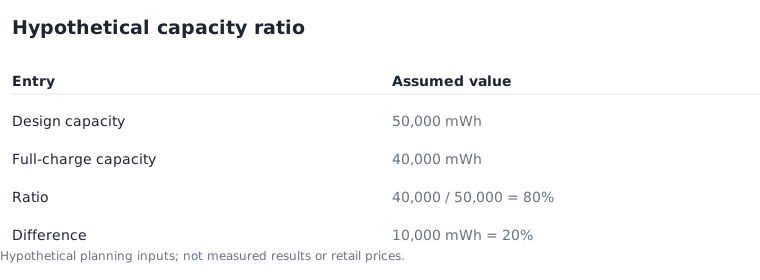
A simple worksheet can compare reported full-charge capacity with design capacity. Use the same units in both entries. In a hypothetical report, design capacity is 50,000 mWh and full-charge capacity is 40,000 mWh. Dividing 40,000 by 50,000 gives 0.8, or 80%. The estimated capacity difference is 10,000 mWh, or 20% of the assumed design capacity.
This calculation is descriptive, not a pass/fail threshold or a forecast of remaining years. It does not mean the laptop will deliver exactly 80% of a manufacturer's advertised runtime under your workload. Battery estimates, applications, display use and the conditions of the report can differ. If one capacity is missing, zero or expressed in an incompatible unit, do not produce a reassuring ratio from it.
Separate stored energy from the work it must do
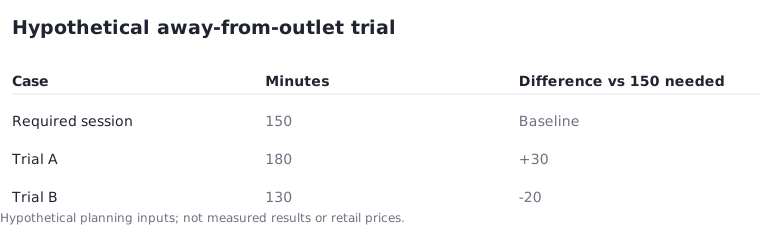
Use the report to ask a narrower question: how much capacity does this machine estimate now compared with its own design entry? Use a practical work session to ask the different question of whether the computer meets your unplugged needs. A demanding task and a quiet reading session are not interchangeable battery tests.
For a hypothetical planning exercise, suppose you need 150 minutes away from a socket and your own comparable trial lasts 180 minutes. The observed margin in that trial is 30 minutes. If a later trial lasts only 130 minutes, the plan has a 20-minute shortfall. Neither result can be inferred from the 80% capacity ratio alone. Record the actual task and settings beside any measured runtime you use.
Microsoft: battery saving tips ↗
Include charging equipment and replacement uncertainty
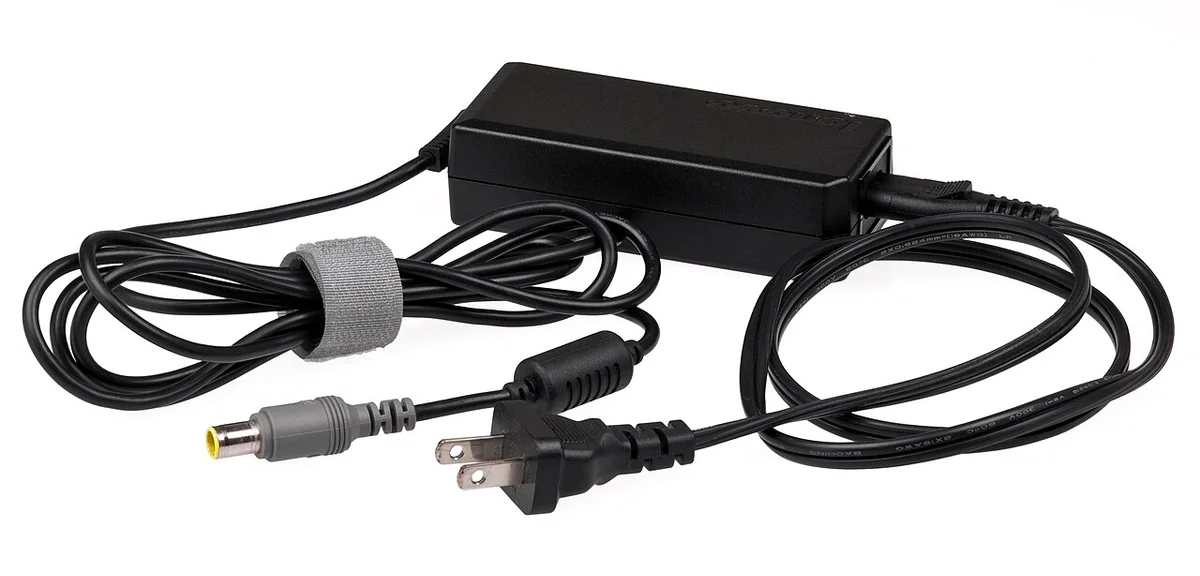
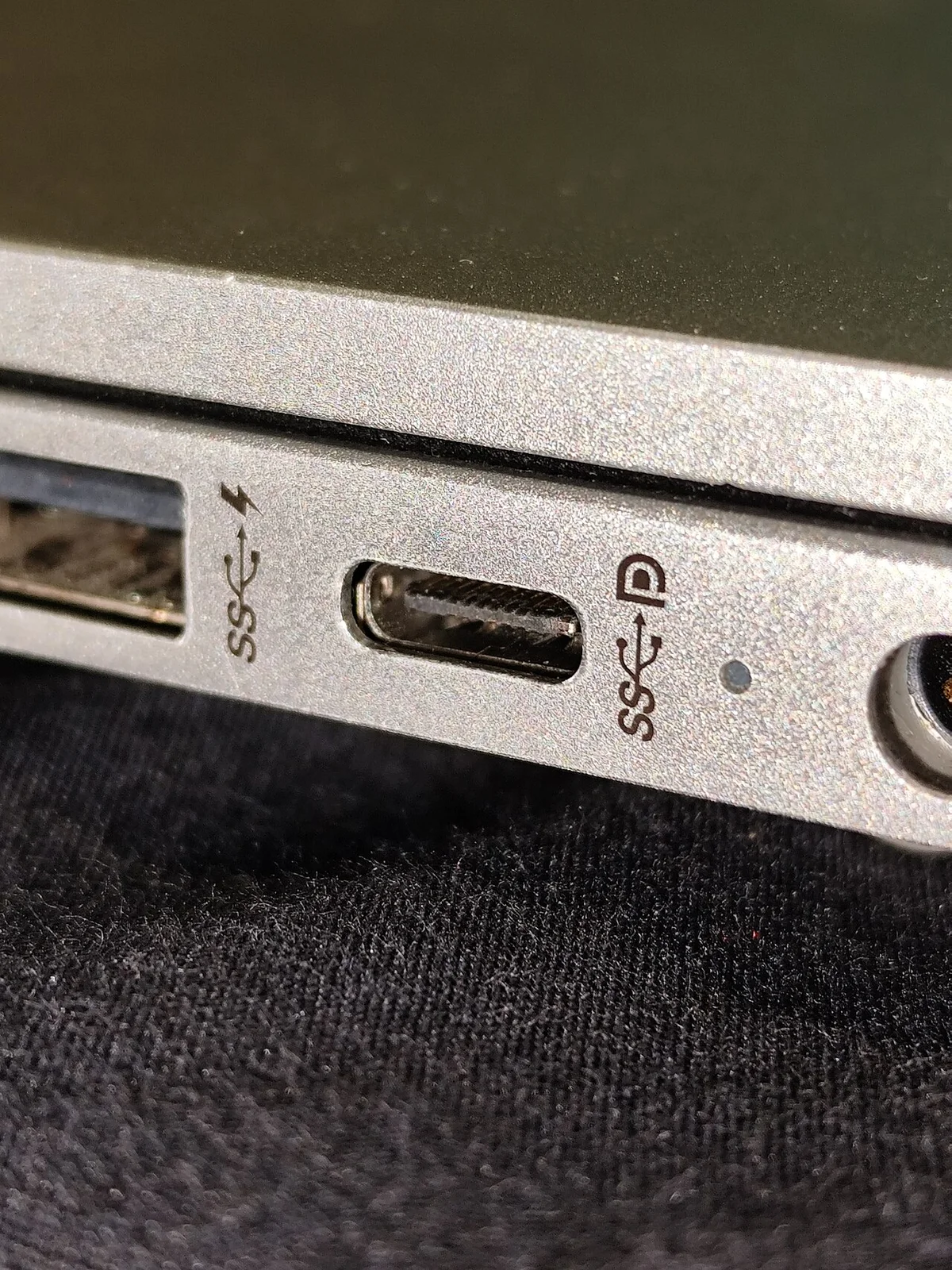
Check which charger is included and whether it is the correct supported equipment for the model. The adapter photograph shows why a charging setup has more than one part: wall cable, power supply and device-side connector all belong to the inspection. A USB-C shape by itself does not establish a complete charging specification.
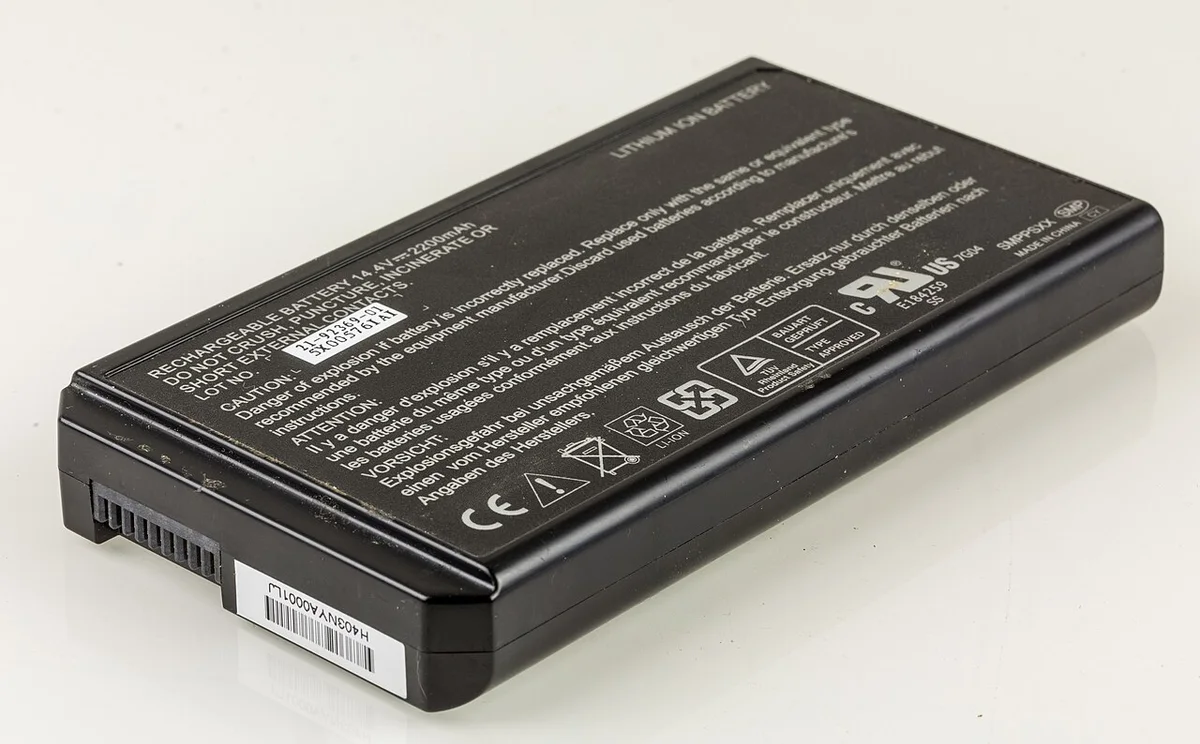
If replacement might be needed, obtain a model-specific service quote before treating it as a cheap fix. Do not add an invented universal battery price to your comparison. You can still make a decision with uncertainty: set aside the candidate until a quote is available, or compare its complete quoted cost against a better-documented alternative. A removable battery photographed from an older laptop does not prove that a newer laptop permits the same replacement method.
Stop when physical condition changes the decision
A capacity worksheet must not override a physical warning. Microsoft advises stopping use when a battery expands beyond the device enclosure and avoiding pressure or puncturing. Do not ask a seller to open or manipulate a suspect pack merely to improve a listing photograph. The appropriate next step is manufacturer or qualified service guidance, not another arithmetic calculation.
For an ordinary candidate without that warning, finish with three separate notes: reported capacity evidence, the result of a relevant practical trial if available, and the known charging or service costs. Keep unknowns visible. That record supports a reasoned purchase decision without pretending a single battery-health percentage captures the entire condition of a used computer.